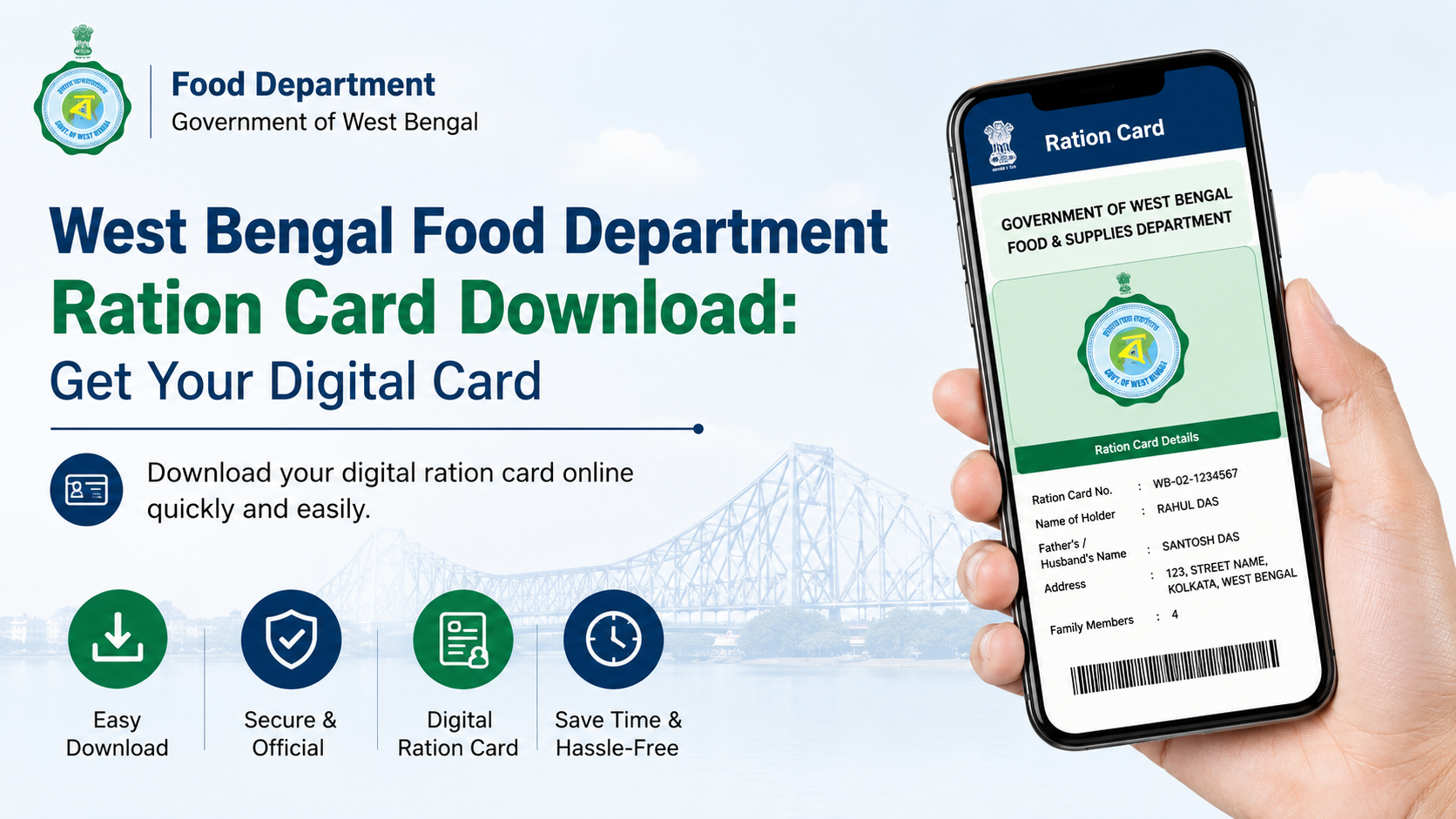
A west bengal ration card download lets eligible beneficiaries access an official e-Ration Card (e-RC) in PDF format through the Department of Food & Supplies, Government of West Bengal. The digital card has the same rights and privileges as a Digital Ration Card (DRC), and it can be shown on a phone or printed on plain paper at a Fair Price Shop (FPS).
This guide explains who can download an e-Ration Card, how the OTP-based process works, what to do when Aadhaar or mobile details are not linked, and how to verify a card safely through official government services.
Key Takeaways
- An e-Ration Card is an official PDF issued by West Bengal’s Food & Supplies Department.
- Aadhaar and mobile-number linking are required for e-Ration Card eligibility.
- Beneficiaries can log in with an OTP sent to their registered mobile number and download family members’ cards from the dashboard.
- The e-Ration Card number remains the same as the Digital Ration Card number.
- A printed copy, mobile soft copy, or card number can be used at the ration shop, subject to transaction authentication.
- Use only the official Food & Supplies Department website and avoid sharing OTPs with anyone.
What Is a West Bengal e-Ration Card?
The West Bengal e-Ration Card, also called e-RC, is an individual PDF document issued by the Food & Supplies Department for access to Public Distribution System commodities and other items specified by the government.
According to the Department’s official e-Ration Card information page, the e-RC is accepted on par with a Digital Ration Card. It contains an embedded QR code that can be used for verification.
The e-Ration Card is especially useful when a physical card is unavailable, misplaced, or inconvenient to carry. It is not merely an unofficial online copy: it is a departmental document intended for use by eligible beneficiaries.
| Feature | e-Ration Card |
|---|---|
| Format | Downloadable PDF |
| Card number | Same as the Digital Ration Card number |
| Access | Department website after OTP-based login |
| Verification | QR code and official online verification |
| Use at FPS | Printed copy, mobile copy, or card number may be used |
| Physical card required? | No, an e-RC may be used instead |
Eligibility for West Bengal Ration Card Download
The e-Ration Card facility is available to beneficiaries whose Aadhaar number and mobile number are linked with their ration card. The Department’s official guidance specifically states that Aadhaar numbers of all family members holding ration cards must be seeded for the e-RC facility.
Before trying to download the PDF, ensure that these essentials are in place:
- You already have a West Bengal Digital Ration Card or an approved new ration-card application.
- The registered mobile number is active and able to receive an OTP.
- Aadhaar and mobile details are linked as required with the ration-card record.
- Your ration-card details have not been deleted, expired, or changed in a way that requires correction.
A new applicant receives an SMS after approval. The Department states that this SMS includes a link to download the e-Ration Card PDF. The approved applicant can also log in using the registered mobile number and OTP to access the family dashboard.
Official West Bengal Ration Card Download Process
Always begin on the Food & Supplies Department, Government of West Bengal website. Do not use third-party portals that request fees, Aadhaar details, or OTPs for a download.
Step 1: Open the official e-Ration Card service
Visit the Department website and navigate through:
- Services
- Ration Card
- e-Ration Card
The official portal presents the e-Ration Card service and login route. Use the English or Bengali version of the department website according to your preference.
Step 2: Log in with the registered mobile number
Enter the mobile number linked to the ration card. The portal sends a one-time password (OTP) to that number.
Enter the OTP only on the official website. An OTP is a security credential; do not disclose it to ration dealers, agents, callers, or people offering download assistance.
Step 3: Access the family dashboard
After successful OTP verification, the dashboard displays the family details associated with the account. The Department’s e-Ration Card guidelines state that eligible users can view and download e-Ration Cards for family members from this dashboard.
Check the displayed information carefully, including:
- Name and family-member details
- Ration-card number
- Whether the required linked-mobile and Aadhaar details are in place
- The relevant e-Ration Card download option
Step 4: Download and save the PDF
Select the relevant family member’s e-Ration Card and download the PDF. Save it in a secure location on your phone or computer.
A practical file name, such as WB-e-Ration-Card.pdf, makes the document easier to find later. Keep a backup in a secure personal storage location, but do not upload ration-card PDFs to public websites or share them casually through messaging groups.
Step 5: Check the PDF before using it
Open the downloaded file and compare its details with your records. Ensure the PDF is readable and belongs to the correct family member. If any name, address, or other detail is incorrect, do not treat downloading the PDF as a correction of the underlying record.
Use the appropriate official service to request a correction instead.
Downloading an e-Ration Card After a New Application
A downloaded card is available only after the relevant ration-card application is approved through the Department’s process. It is not a substitute for applying for a new card.
The official ration-card application page lists online and offline options for several services, including:
- New ration card for a family
- Addition of a new family member
- Correction of name or address
- Change of Fair Price Shop
- Surrender or cancellation
- Change of category
- Duplicate card for a lost, damaged, or defaced card
- Non-subsidised ration-card services
For a fresh application, the Department’s e-Ration Card guidelines describe this sequence:
- Submit the appropriate application.
- Wait for processing and approval.
- Receive an approval SMS on the registered mobile number.
- Use the SMS download link or log in with OTP.
- Download the e-Ration Card PDF for eligible family members.
The official guidance also says that approved beneficiaries can visit the ration shop to avail food grains from the next working day after approval.
If Your Mobile Number or Aadhaar Is Not Linked
A common reason for being unable to complete a west bengal ration card download is that the registered mobile number is missing, inactive, or not linked to the Digital Ration Card.
The Department identifies Form 11 for linking Aadhaar and a mobile number with an existing Digital Ration Card. The action needed depends on your record.
When the mobile number is already linked
If your Digital Ration Card already has a registered mobile number, the Department’s guidelines say that you can log in through OTP and submit Form 11 online for Aadhaar and mobile linking. After approval, an SMS is sent, and the e-Ration Card can be downloaded.
When the mobile number is not linked
Where the mobile number is not linked with the Digital Ration Card, the official guidance directs the applicant to submit Form 11 offline at the appropriate office, such as the Food Inspector office at the block level or the relevant Food & Supplies office in municipal areas.
The official application page provides a Form 11 offline option. Submit the form only through the prescribed channel and retain an acknowledgement if one is issued.
When card details are wrong
If the card shows an error in the name or address, use the correction service rather than downloading the same incorrect document repeatedly. The Department lists Form 5 for rectification of name and address in NFSA/RKSY cards.
A PDF download reflects the existing department record; it does not itself update that record.
How to Use and Verify the Digital Card
The e-Ration Card can be used at a Fair Price Shop without carrying the physical Digital Ration Card. The official e-RC guidance permits a beneficiary to:
- Carry a printout on plain paper.
- Show the e-Ration Card PDF on a mobile phone.
- Provide the e-Ration Card number to the dealer.
At the shop, the dealer can enter the card number or scan the QR code through the e-PoS system. The transaction is authenticated through Aadhaar-based biometric authentication or, where applicable, an OTP sent to the linked mobile number.
Verify a card before relying on it
The Department provides a Verify Ration Card (e-RC/DRC) option under the Ration Card services menu. It allows a user to search using an e-Ration Card or Digital Ration Card number and compare the online record with the document.
Verification is useful when:
- A card PDF has been received from someone else.
- A dealer or institution needs to confirm the card details.
- You suspect that a card may be expired, deleted, or altered.
- The QR code or PDF appears unclear.
If the official record and the document do not match, rely on the official record and contact the Department for guidance.
Important Safety Tips and Support Options
Ration-card PDFs, registered mobile numbers, Aadhaar-related information, and OTPs are sensitive. Use a cautious approach when accessing online services.
Protect your OTP and documents
- Enter OTPs only on the official Department portal.
- Do not share OTPs over phone calls, social media, or messaging apps.
- Avoid websites that promise “instant ration card approval” or charge for an official e-RC download.
- Download documents on a personal device where possible.
- Sign out after using a shared computer.
- Verify the website address before entering personal information.
Get help through official channels
For application-related complaints or support, the Department’s official application page lists:
- Grievance portal: helpdesk.wbfood.in
- Toll-free numbers: 1800 345 5505 and 1967
When seeking help, keep your ration-card number and registered mobile number available. Do not post Aadhaar numbers, full PDF copies, or OTPs in a public complaint message.
Frequently Asked Questions
Can I download my West Bengal ration card without an OTP?
The Department’s e-Ration Card process uses OTP-based login through the registered mobile number. If you cannot receive the OTP because your number is not linked or is no longer active, follow the official procedure for mobile and Aadhaar linking through Form 11 rather than trying unofficial alternatives.
Is an e-Ration Card valid at the ration shop?
Yes. The Food & Supplies Department states that the e-Ration Card has the same rights and privileges as a Digital Ration Card. You may show a soft copy on your phone, carry a plain-paper printout, or provide the card number, subject to the required transaction authentication at the FPS.
Does the e-Ration Card have a different number from my Digital Ration Card?
No. The Department’s guidelines state that the e-Ration Card number and the Digital Ration Card number remain the same.
Can I download e-Ration Cards for every family member?
Eligible users can access the family dashboard after OTP login. The Department states that e-Ration Cards of family members can be viewed and downloaded in PDF format from the dashboard.
What should I do if I lost my physical ration card?
A lost physical card does not prevent you from using an eligible e-Ration Card. For a replacement physical card, the official application list includes Form 9 for a duplicate card against a lost, damaged, or defaced ration card. Use the official portal or prescribed office route.
Conclusion
The official west bengal ration card download process gives eligible beneficiaries a convenient PDF e-Ration Card that is accepted at par with the Digital Ration Card. Start only from the West Bengal Food & Supplies Department portal, log in with the OTP sent to your registered mobile number, and download the correct family member’s PDF from the dashboard.
If OTP login is unavailable, first resolve Aadhaar or mobile linking through the appropriate official process. Keep the PDF secure, verify it through the Department’s card-verification service when needed, and use the official helpdesk or toll-free numbers for application-related support.













