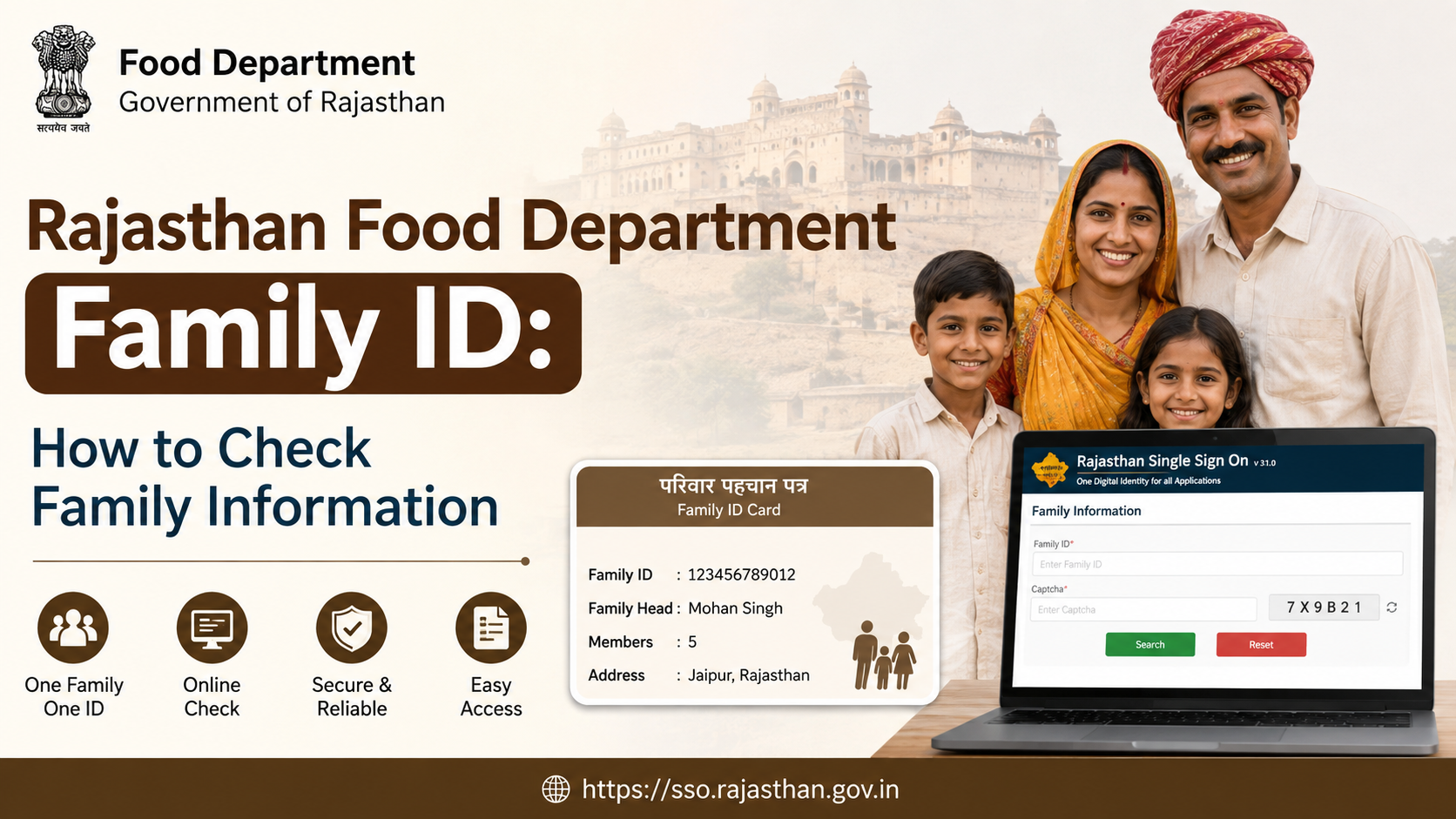
If you are searching for a rajasthan food department family id, you may be trying to check the members, identity details, or ration-card-related information connected to your household. In Rajasthan, this search often involves two linked—but different—systems: the Food, Civil Supplies and Consumer Affairs Department for ration-card and public-distribution services, and the Jan Aadhaar system for household identity records.
The most important point is simple: a Rajasthan Jan Aadhaar Family ID is the household identifier used across many state services, while a ration card is a separate food-entitlement record. This guide explains how to identify the right record, retrieve your Jan Aadhaar number through official channels, check family-related details, and take the correct next step when information is missing or incorrect.
Key Takeaways
- A Jan Aadhaar Family ID is a 10-digit household ID; individual members receive 11-digit individual IDs.
- Use the official Jan Aadhaar portal, SSO, mobile app, SMS, or an e-Mitra kiosk to retrieve a lost Jan Aadhaar number.
- The Food Department’s public services relate chiefly to ration cards, NFSA beneficiaries, fair-price shops, and food distribution.
- A Jan Aadhaar number does not automatically confirm ration-card or NFSA eligibility.
- Never share Aadhaar OTPs, bank details, or full family records with unofficial websites or agents.
- For corrections, use the official Jan Aadhaar update process or visit an authorised e-Mitra kiosk.
Understand the Difference Between Family ID and Ration Card
Many people use the phrase “Rajasthan Food Department Family ID” to describe a household record. However, it is useful to distinguish the identifiers before checking information.
| Record | Main purpose | Managed through |
|---|---|---|
| Jan Aadhaar Family ID | Household identity and access to Rajasthan government services | Rajasthan Jan Aadhaar Authority |
| Jan Aadhaar individual ID | Identifies a member within the Jan Aadhaar household | Rajasthan Jan Aadhaar Authority |
| Ration card | Household record for food-distribution administration | Food, Civil Supplies and Consumer Affairs Department |
| NFSA beneficiary record | Indicates food-security eligibility and beneficiary linkage | Food Department / authorised local process |
According to the Rajasthan Jan Aadhaar Authority, a successfully verified family receives a 10-digit Jan Aadhaar Family ID, while members receive 11-digit individual IDs. The scheme maintains demographic and socio-economic information for resident families and supports access to various state services. Jan Aadhaar FAQ
The Rajasthan Food, Civil Supplies and Consumer Affairs Department is responsible for operational areas such as ration-card issuance, identifying eligible households, and supervising fair-price shops within the state’s public distribution system. Food and Civil Supplies Department
What You Need Before Checking Family Information
Gather the information available to you before opening an official portal or visiting an e-Mitra centre. Having the right identifier reduces errors and helps protect your family’s data.
You may use one of the following, depending on the service:
- Jan Aadhaar Family ID, if you already know it
- Jan Aadhaar enrolment or acknowledgement ID
- Aadhaar number of a family member
- Mobile number registered in the family’s Jan Aadhaar profile
- SSO login, where applicable
- Ration-card number, if your purpose is specifically ration-card information
For online lookup or recovery, access to the registered mobile number is particularly important because the official process uses OTP verification. Do not attempt to use another household’s identifiers or mobile number. Household records contain personal information and should be accessed only by authorised family members.
How to Find Your Rajasthan Jan Aadhaar Family ID
If you do not remember your Family ID, Rajasthan provides several official recovery methods. Start with the Jan Aadhaar portal rather than relying on search-result pages, third-party apps, or social-media instructions.
Use the Official Jan Aadhaar Portal
Visit the Rajasthan Jan Aadhaar portal. The official citizen guidance includes a “Know your Jan Aadhaar ID” option.
The process is generally as follows:
- Open the Jan Aadhaar portal.
- Select the option to know or retrieve the Jan Aadhaar ID.
- Enter the available registered detail, such as Family ID, acknowledgement ID, or registered mobile number.
- Review the displayed member options.
- Select an eligible family member for OTP authentication.
- Enter the OTP received on the registered mobile number.
- View the Jan Aadhaar enrolment ID and Jan Aadhaar Family ID shown after successful verification.
The official Jan Aadhaar citizen manual states that citizens can use the registered Family ID, acknowledgement ID, or mobile number in the “Know your Jan Aadhaar ID” flow, then select a member for OTP verification. Jan Aadhaar Citizen Dashboard User Manual
Retrieve the Number by SMS
The Jan Aadhaar Authority also provides an SMS-based method to obtain the Jan Aadhaar number. Send an SMS to 7065051222 using one of these formats:
JAN JID <15-character Jan Aadhaar enrolment ID>JAN JID <12-digit Aadhaar number>JAN JID <10-digit registered mobile number>
Use a space between JAN, JID, and the identifier. This option is useful when you have limited internet access, but the mobile number or identification detail must match the household record. Official Jan Aadhaar number-retrieval guidance
Use SSO, the Jan Aadhaar App, or e-Mitra
You may also retrieve the Jan Aadhaar number through:
- Your Rajasthan SSO profile, if the record is linked there
- The official Jan Aadhaar mobile application
- An authorised e-Mitra kiosk
An e-Mitra kiosk is a practical option if you do not have the registered mobile number, cannot complete the OTP flow, or need help understanding the displayed record. Carry your available supporting identification and ask for the specific service you need, such as Jan Aadhaar number recovery, e-card access, correction, or ration-card-related assistance.
How to Check Family Details After Finding the ID
A Family ID is not merely a number; it links the household profile used for government-service delivery. Once you have successfully authenticated yourself through the official system, review the information carefully.
Depending on the service and your authorised access, family information may include:
- Head of family details
- Names of listed household members
- Member relationships
- Basic demographic details
- Registered mobile number status
- Jan Aadhaar enrolment or verification status
- Jan Aadhaar e-card availability
Do not assume that every government service will show all household fields. Portals may display only the information relevant to that service, and access can vary based on authentication and privacy controls.
Check the Jan Aadhaar E-Card
The official citizen manual includes an E-card Download option. This can be useful when you need an official household document rather than simply viewing the Family ID number.
Before downloading or sharing an e-card:
- Confirm the head of family and member names are correct.
- Check whether your registered mobile number is active.
- Avoid sending unmasked copies through WhatsApp groups, public email accounts, or social-media messages.
- Share documents only with a legitimate department, bank, school, hospital, or authorised service provider that genuinely requires them.
The Government of India announced on 17 June 2026 that Jan Aadhaar (Family ID) became available through DigiLocker, allowing eligible Rajasthan residents to retrieve and share the digital document through the DigiLocker service after authentication and consent. Press Information Bureau announcement
How the Food Department Record Fits In
Finding a Jan Aadhaar Family ID does not by itself prove that a household has a ration card, is included in the National Food Security Act (NFSA) list, or is entitled to a particular quantity of foodgrain.
For food-related information, use the Rajasthan Food Department’s official website and its public links for services such as:
- District-wise ration-card information
- NFSA beneficiary-related reports and software links
- Fair-price shop lists
- Ration-card forms for creation or amendment through e-Mitra/CSC
- District and village service information
The Food Department’s official site specifically lists district-wise ration-card details and forms for ration-card creation or amendment through e-Mitra/CSC. Rajasthan Food Department important links
A Practical Example
Suppose a family has a valid Jan Aadhaar Family ID but cannot obtain rations from its usual fair-price shop. The correct approach is not to assume the Jan Aadhaar record is invalid.
Instead:
- Confirm the Jan Aadhaar household and member details through the authorised Jan Aadhaar channel.
- Check the ration-card number and beneficiary information through the Food Department’s approved route.
- Ask the local fair-price shop or e-Mitra operator which record requires correction.
- Submit a correction request through the authorised process if a member, address, mobile number, or household composition is wrong.
- Retain acknowledgements and reference numbers for follow-up.
This separation matters because identity, household composition, ration-card status, and NFSA eligibility are related administrative records but are not interchangeable.
What to Do if Family Information Is Missing or Incorrect
Incorrect household details can affect service delivery. Common issues include a changed mobile number, a member not appearing in the profile, an incorrect date of birth, a name mismatch, or a family member who has moved, married, died, or been added after birth.
Start With e-KYC Requirements
The Jan Aadhaar Authority states that Aadhaar e-KYC is mandatory for the family head and members above five years of age. It also states that updates or edits in Jan Aadhaar can be made only after Aadhaar e-KYC. e-KYC can be completed through an e-Mitra kiosk or SSO ID. Jan Aadhaar e-KYC guidance
Do not submit repeated applications without checking the status of the existing one. Multiple incomplete or conflicting requests can complicate verification.
Use the Correct Update Channel
For a correction or update:
- Log in through your own Rajasthan SSO account where the appropriate Jan Aadhaar service is available.
- Or visit an authorised e-Mitra kiosk with the relevant original documents.
- Ensure that the mobile number entered is accessible for OTP verification.
- Save the acknowledgement or application reference number.
- Check the record again after the responsible authority completes verification.
For ration-card changes, use the Food Department’s designated e-Mitra/CSC route and official forms rather than treating the Jan Aadhaar update as a substitute for a ration-card amendment.
Important Safety and Privacy Precautions
Family IDs, Aadhaar numbers, OTPs, bank details, and household information are sensitive. A safe process is as important as a successful lookup.
- Use only official Rajasthan government domains such as
rajasthan.gov.inand Food Department pages hosted under the official government web structure. - Never disclose an OTP to a caller, agent, or unofficial website.
- Do not pay someone who promises to “activate” a Family ID through WhatsApp or social media.
- Verify the address bar before entering Aadhaar or mobile details.
- Use your own phone whenever possible, especially for OTP-based services.
- Keep downloaded e-cards and acknowledgement slips in a secure location.
If you need official Jan Aadhaar support, the portal lists the Jan Aadhaar helpdesk contact number as 0141-2850287. Confirm contact information on the official portal before calling, as government contact details can change. Jan Aadhaar home page
Frequently Asked Questions
Is Rajasthan Food Department Family ID the same as Jan Aadhaar?
Not exactly. “Rajasthan Food Department Family ID” is a common search phrase, but the household identifier is generally the Jan Aadhaar Family ID. The Food Department manages ration-card and public-distribution functions, while Jan Aadhaar manages the state household identity record.
How many digits are in a Jan Aadhaar Family ID?
The official Jan Aadhaar FAQ states that the verified household receives a 10-digit Family ID. Individual members receive 11-digit individual IDs.
Can I find my Family ID with my registered mobile number?
Yes. The official Jan Aadhaar retrieval guidance allows residents to use the registered mobile number through the portal’s recovery flow or through the prescribed SMS format. OTP verification may be required.
Does a Jan Aadhaar Family ID guarantee ration-card eligibility?
No. A Jan Aadhaar Family ID identifies the household in the Jan Aadhaar system. Ration-card status and NFSA eligibility must be checked through the relevant Food Department process.
Can I correct a wrong name or add a family member online?
The Jan Aadhaar Authority provides update mechanisms through SSO and e-Mitra, subject to e-KYC and verification requirements. For ration-card-specific changes, use the prescribed Food Department/e-Mitra process.
Conclusion
To check information linked to a rajasthan food department family id, begin by identifying whether you need Jan Aadhaar household details or ration-card/NFSA information. Retrieve or verify the 10-digit Jan Aadhaar Family ID through the official portal, SSO, SMS service, Jan Aadhaar app, or an authorised e-Mitra kiosk. Then use the Rajasthan Food Department’s official channels for ration-card matters.
Keep your household details accurate, complete e-KYC where required, and use only authorised government portals or e-Mitra services when updating records or seeking assistance.













