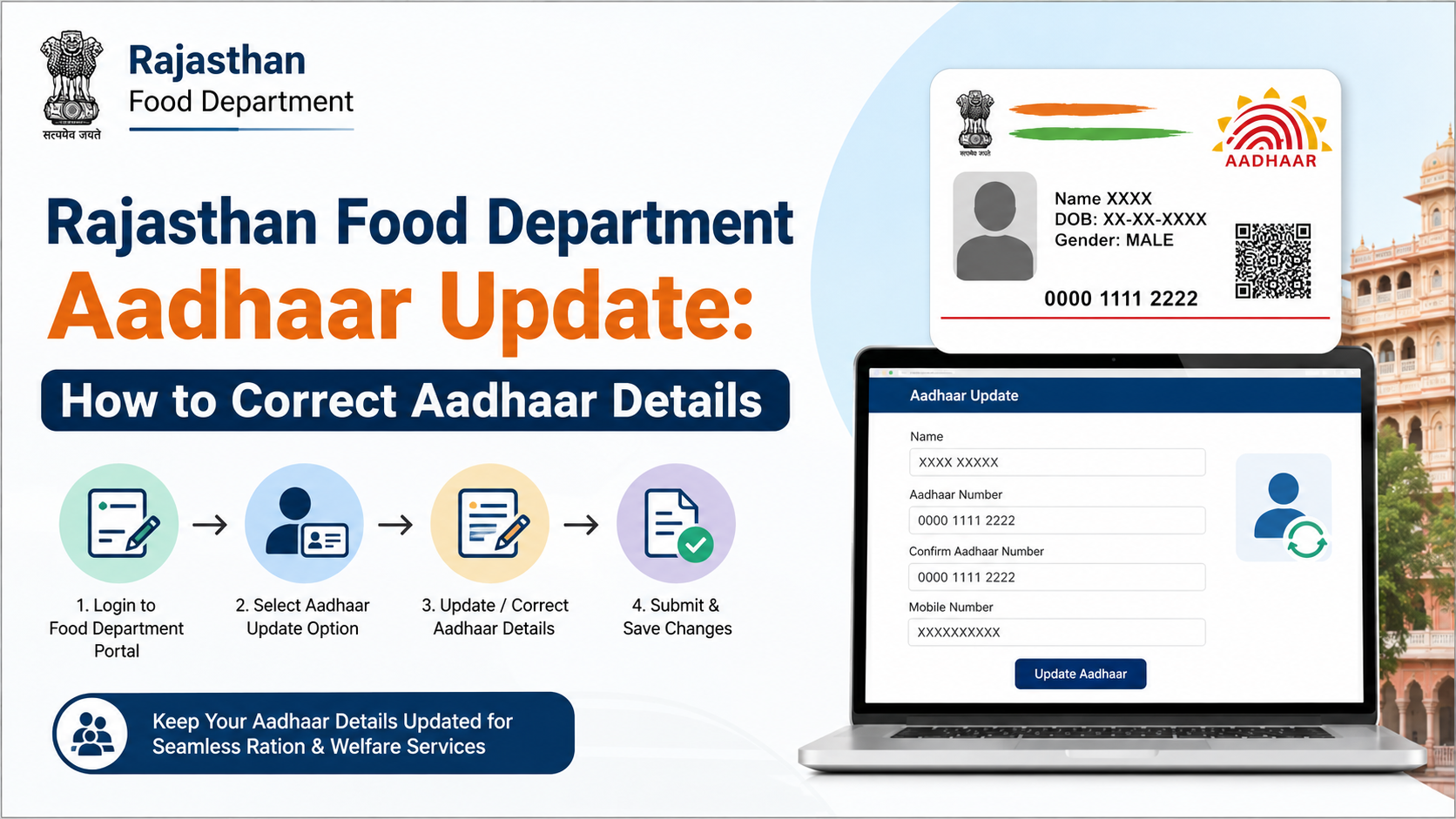
If your Aadhaar number, name, date of birth, gender, or mobile number is incorrect in Rajasthan’s ration-card records, you must correct the underlying record and then ensure that Aadhaar seeding and e-KYC are completed. The rajasthan food department aadhaar update process involves different authorities depending on the error: UIDAI handles Aadhaar data, while the Rajasthan Food and Civil Supplies Department handles ration-card records and Aadhaar mapping.
This guide explains the current online and offline options, required documents, status checks, common rejection reasons, and escalation channels.
Key Takeaways
- Aadhaar demographic corrections are handled by UIDAI; ration-card record corrections are handled through Rajasthan Food Department services, generally via e-Mitra or CSC.
- Rajasthan Jan Aadhaar e-KYC is required before most Jan Aadhaar edits can be made.
- The head of family and every Jan Aadhaar member above five years must complete Aadhaar e-KYC.
- A wrong Aadhaar number seeded in a Jan Aadhaar family can be corrected by the second-level verifier.
- Aadhaar-seeding status can be checked through the Rajasthan Food Department and Jan Soochna portals.
- Keep the acknowledgement or token number so you can track the request and raise a grievance if necessary.
What Does Rajasthan Food Department Aadhaar Update Mean?
The phrase may refer to three separate activities:
| Situation | Correct authority or channel |
|---|---|
| Name, address, date of birth, gender, mobile number or email is wrong in Aadhaar | UIDAI Aadhaar update service |
| Aadhaar number or personal details are wrong in the ration-card database | Rajasthan Food and Civil Supplies Department, e-Mitra or CSC |
| Aadhaar is not linked to a ration card or NFSA record | Food Department seeding and e-KYC process |
| A wrong Aadhaar number is linked to a Jan Aadhaar member | Jan Aadhaar second-level verifier |
| You only want to see whether linking is complete | Rajasthan Food Department or Jan Soochna status service |
The Rajasthan Food Department website provides services for Aadhaar seeding, e-KYC and LPG-ID mapping status, as well as ration-card details and application tracking. The department’s official website is food.rajasthan.gov.in.
Step 1: Correct the Aadhaar Record Through UIDAI
If the error appears on the Aadhaar itself, correcting the ration card will not change the Aadhaar database. First update Aadhaar through UIDAI.
UIDAI lists demographic information that can be updated, including:
- Name
- Address
- Date of birth or age
- Gender
- Mobile number
- Email address
The UIDAI “Updating Data on Aadhaar” page explains the available services and supporting-document requirements.
Online Aadhaar updates
UIDAI’s online facility is primarily used for address and document-related updates through the myAadhaar portal. Online requests require access to the mobile number registered with Aadhaar.
A practical online process is:
- Open the official myAadhaar website.
- Sign in using your Aadhaar number and OTP.
- Select the available update service.
- Enter the corrected information exactly as shown on your supporting document.
- Upload the requested document.
- Submit the request and save the Service Request Number.
Online availability can differ by update type. If the required field is not offered online, use an Aadhaar Enrolment and Update Centre.
Aadhaar Enrolment and Update Centre
Visit an authorised centre when you need to update information that is not available online, such as a mobile number or certain demographic fields.
Carry:
- Aadhaar number or Aadhaar letter/e-Aadhaar
- Original supporting document
- A working mobile number, where possible
- The ration-card or Jan Aadhaar details that must later be corrected
The operator will capture the request and provide an acknowledgement. Keep it until the update is approved and reflected in the Aadhaar record.
Do not use unofficial websites or agents claiming that they can “edit” Aadhaar without UIDAI authentication.
Step 2: Correct the Ration-Card Record
After Aadhaar is corrected—or if the error exists only in the ration-card database—you must request a ration-card correction separately.
The Rajasthan Food Department lists an e-Mitra/CSC form for ration-card creation and amendments. The e-Mitra service catalogue also identifies ration-card name addition, deletion and correction services.
Typical correction procedure
- Visit a Rajasthan e-Mitra kiosk or authorised CSC.
- Ask for the ration-card correction or amendment service.
- Provide your ration-card number and Aadhaar details.
- Specify the exact correction—for example, an incorrect name spelling, wrong Aadhaar number, or mismatch in date of birth.
- Upload or submit the requested documents.
- Review the data carefully before final submission.
- Complete authentication, where requested.
- Pay the service amount displayed by the authorised kiosk and collect the receipt or token number.
The application is routed to the relevant food-supply authority for scrutiny. Approval is not automatic; officials may seek clarification or additional proof.
Documents commonly requested
The exact list can vary according to the correction, household category and local office. Keep the following ready:
- Existing ration card or ration-card number
- Correct Aadhaar letter, e-Aadhaar or masked Aadhaar
- Jan Aadhaar details, if applicable
- Proof supporting the corrected name, date of birth or address
- Passport-size photograph, where requested
- Proof of relationship for a member-related change
- Mobile number for OTP and status notifications
- e-Mitra acknowledgement or previous application receipt
Submit only documents that belong to the concerned family. Never share an Aadhaar OTP with a person who is not carrying out the authorised transaction.
Step 3: Complete Jan Aadhaar Aadhaar e-KYC
Rajasthan’s Jan Aadhaar Authority states that Aadhaar e-KYC digitally verifies a family member’s identity information through Aadhaar authentication. The official Jan Aadhaar e-KYC guidance says:
- The head of every family and all members above five years must complete Aadhaar e-KYC.
- For children below five, e-KYC may be completed using a Rajasthan birth certificate or Aadhaar, depending on where the birth certificate was issued.
- Jan Aadhaar edits are available only after Aadhaar e-KYC.
- e-KYC can be completed through an SSO ID or the nearest e-Mitra.
- If an incorrect Aadhaar number was seeded in a Jan Aadhaar family, correction can be performed by the second-level verifier.
e-KYC through e-Mitra
At the kiosk, provide the Jan Aadhaar family ID, Aadhaar details and registered mobile access. The operator will initiate authentication and submit the e-KYC request. Check that the member’s name, date of birth and gender shown during verification match the Aadhaar record.
Wrong Aadhaar number in Jan Aadhaar
Do not create a duplicate family or add a second Aadhaar number as a workaround. Tell the e-Mitra operator or the concerned verifier that the seeded Aadhaar number is incorrect. The Jan Aadhaar process provides for correction through the second-level verifier.
The Jan Aadhaar FAQ also clarifies that NFSA and ration-card numbers are obtained from ration services. If those records are not linked, the resident must contact the Food and Supply Department rather than trying to edit the number directly in Jan Aadhaar.
How to Check Aadhaar Seeding and Ration-Card Status
Use official portals to confirm whether the correction has taken effect.
Rajasthan Food Department portal
Open food.rajasthan.gov.in and look for services related to:
- Aadhaar seeding, e-KYC and LPG-ID mapping status
- Ration-card details
- Ration-card application status
- NFSA beneficiary information
The exact menu labels may change as the department updates its website.
Jan Soochna Portal
The Jan Soochna Portal provides public-information services including:
- Aadhaar seeded or not seeded
- Ration-card Aadhaar-seeding status
- Ration-card details
- NFSA beneficiary information
Enter the information requested on the selected service page. If the result still shows “not seeded” after approval, allow time for departmental data synchronisation and then contact the Food Department.
Application tracking
Use the token, receipt or application number issued by e-Mitra. Take a screenshot or keep a printed copy of the receipt. A status showing “pending” means the request is still under departmental review; it does not mean that the correction has been rejected.
Common Problems and How to Resolve Them
Name mismatch
Aadhaar, Jan Aadhaar and ration-card names should be consistent. Even small spelling differences or variations in initials can cause authentication failure. Correct the Aadhaar record first if Aadhaar is wrong, then submit the ration-card correction.
Date-of-birth mismatch
Use the same date format and an acceptable proof-of-date-of-birth document. Do not ask the operator to enter an approximate date.
Mobile number not receiving OTP
Check whether the mobile number is registered with Aadhaar and whether the correct number is recorded in Jan Aadhaar. UIDAI says mobile-number updates are performed at an Aadhaar Enrolment Centre or through permitted assisted channels.
Aadhaar already linked elsewhere
An Aadhaar number may be rejected if it is already attached to another family or record. Ask the Food Department or Jan Aadhaar verifier to investigate the duplicate linkage; do not submit multiple applications with altered information.
Biometric authentication failure
Clean and dry the fingers, try another authentication attempt and verify that the Aadhaar biometrics are usable. If failures continue, visit an Aadhaar centre for biometric assistance and inform the ration-card office.
Application rejected
Read the rejection reason on the receipt or portal. Typical causes include unclear documents, an unsupported proof, incorrect family details or failure of verification. Correct the stated defect and submit a fresh or resubmitted request through the authorised channel.
Safety and Privacy Warnings
- Use only official Rajasthan government, Jan Aadhaar, UIDAI or authorised e-Mitra/CSC channels.
- Never publish your full Aadhaar number on social media or send it to unknown WhatsApp contacts.
- Use a masked Aadhaar copy when the full number is not required.
- Do not share OTPs, biometric authentication details or e-Mitra login credentials.
- Check every field before the operator submits the application.
- Retain the receipt until the ration-card and seeding status both show the corrected information.
Help and Grievance Channels
For departmental assistance, the Rajasthan Food Department lists:
- Telephone: 0141-2227352 during working hours
- Email: secy-food-rj@nic.in and afcfood-rj@nic.in
- Address: Food Department, Government Secretariat, Jaipur, Rajasthan 302005
Jan Soochna displays helpline 1800-180-6127. For Jan Aadhaar-specific support, the Jan Aadhaar Authority lists janaadhaarsupport@rajasthan.gov.in and telephone 0141-2850287 on its e-KYC page.
When contacting an office, provide your application number, ration-card number, district, e-Mitra receipt date and a brief description of the mismatch. Do not email unnecessary copies of Aadhaar unless the department specifically requests them through an official channel.
Frequently Asked Questions
Can I correct ration-card Aadhaar details directly on the UIDAI website?
No. UIDAI can correct information stored in the Aadhaar database. A ration-card record or Aadhaar-seeding error must be corrected through Rajasthan Food Department services, e-Mitra/CSC or the responsible departmental verifier.
Is Jan Aadhaar e-KYC required before editing family details?
Yes. Rajasthan Jan Aadhaar guidance states that edits are possible only after Aadhaar e-KYC. The head of family and members above five years are required to complete e-KYC.
What should I do if my Aadhaar is correct but the ration card shows a wrong number?
Apply for a ration-card correction through an authorised e-Mitra or CSC and clearly identify the incorrect Aadhaar number. Attach the correct Aadhaar document and retain the acknowledgement.
How can I know whether Aadhaar seeding is complete?
Check the Aadhaar-seeding or e-KYC status on the Rajasthan Food Department website or the Jan Soochna Portal. You can also use the application or token number issued by e-Mitra.
Can a ration-card number be edited in Jan Aadhaar?
The Jan Aadhaar FAQ says NFSA and ration-card numbers are obtained from ration services and cannot be directly updated in Jan Aadhaar. Contact the Food and Supply Department if the linkage is missing or incorrect.
Conclusion
The Rajasthan food department Aadhaar update process depends on where the mistake exists. Correct Aadhaar demographics through UIDAI, submit ration-card amendments through an authorised Rajasthan service channel, and complete Jan Aadhaar e-KYC before requesting eligible edits. Finally, verify the result through the Food Department or Jan Soochna status service.
Keep your acknowledgement, use only official portals, and contact the department with the application number if the record remains incorrect or unseeded.













