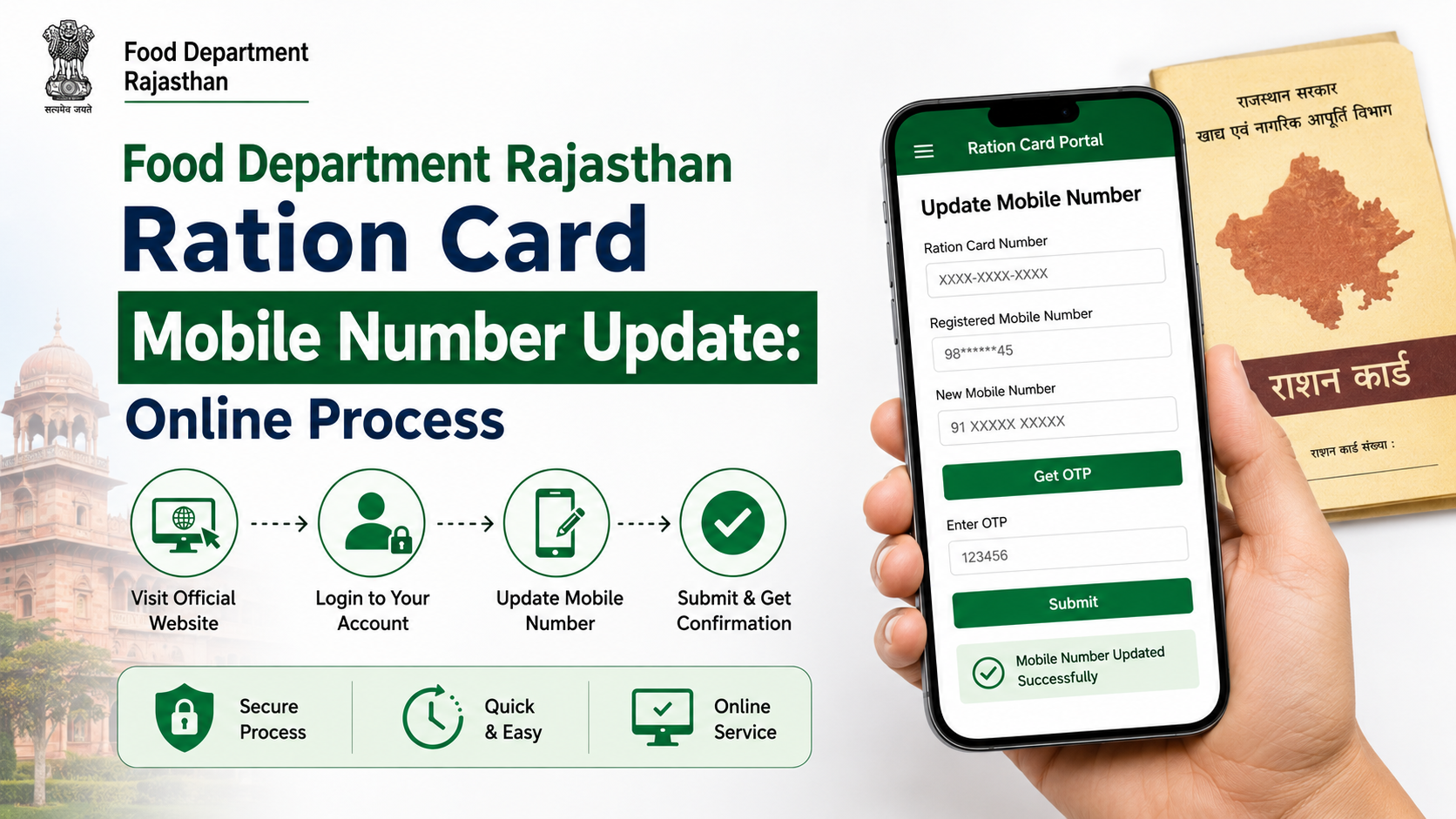
If the mobile number linked to your Rajasthan ration card is old, incorrect, or no longer active, keep it updated so you do not miss service-related communication. For a ration card mobile number update Rajasthan, the Food and Civil Supplies Department’s official information identifies the ration-card amendment route through an authorised e-Mitra or CSC centre.
It is important to distinguish this from updating a Jan Aadhaar profile. Rajasthan’s Jan Aadhaar system allows certain profile updates online, but its official FAQ states that NFSA and ration-card numbers cannot be updated within Jan Aadhaar. Therefore, use the Food Department’s ration-card amendment process for the ration-card record itself.
Key Takeaways
- Rajasthan Food Department provides ration-card creation and amendment forms through e-Mitra/CSC channels.
- Keep your ration card number, Jan Aadhaar details, identity proof, and new active mobile number ready.
- An e-Mitra/CSC operator submits the amendment electronically; obtain and preserve the acknowledgement or receipt.
- Updating a mobile number in Jan Aadhaar does not by itself confirm that the ration-card record has changed.
- Do not share OTPs, Aadhaar numbers, or documents with unverified agents or unofficial websites.
- Check the official Food Department and e-Mitra portals for service availability, charges, and status links.
What “Ration Card Mobile Number Update Rajasthan” Means
A mobile-number correction is a change to the contact detail held against a household’s ration-card record. It does not change the ration-card category, family members, entitlement, address, or NFSA eligibility unless you separately apply for those changes.
The Rajasthan Food Department’s official portal includes a page titled “e-Mitra / CSC ke madhyam se ration card banwane / sanshodhan hetu form”—forms for making or amending a ration card through e-Mitra or CSC. This is the appropriate official channel to ask for a contact-number correction in the ration-card record.
Use this process when:
- The registered number belongs to someone who no longer manages the household.
- The previous SIM has been lost, disconnected, or changed.
- The number was entered incorrectly.
- The household needs an active number for communication connected with ration services.
A mobile-number update does not create a new ration card. It is a correction request against an existing card.
Official Rajasthan Channels to Use
Use government-operated portals and authorised service centres only. The following channels have distinct roles.
| Channel | What it is useful for | Important point |
|---|---|---|
| Rajasthan Food Department | Ration-card information, application-status links, Food Department contact details | This is the primary departmental source. |
| Ration-card amendment-form page | Official reference to ration-card amendments through e-Mitra/CSC | Ask the operator for the amendment option applicable to your request. |
| Rajasthan e-Mitra | Finding and using authorised e-Mitra services | Confirm the service and charge before submission. |
| Jan Aadhaar portal | Jan Aadhaar profile access and related updates | Jan Aadhaar and ration-card records are connected in some services but are not interchangeable. |
Avoid websites that ask for a fee merely to “check eligibility” or promise an instant update without a government acknowledgement.
Documents and Details to Carry
Requirements can vary according to the correction type and the verification needed by the concerned office. Taking complete information to the e-Mitra or CSC centre reduces repeat visits.
Prepare the following:
- Existing Rajasthan ration card number or a copy of the ration card
- Jan Aadhaar number or Jan Aadhaar card, where available
- Aadhaar card or other valid identity document of the applicant/household head, if requested
- The new 10-digit mobile number that should be recorded
- Existing registered mobile number, if it is still available
- e-Mitra/CSC transaction receipt or application acknowledgement after submission
- Any supporting document requested by the operator or verifying authority
Use a mobile number that the household can access regularly. If an OTP is sent during submission or verification, enter it yourself. Do not disclose OTPs to anyone outside the authorised transaction you are watching.
Step-by-Step Online Process Through e-Mitra or CSC
Although the request is submitted electronically, the official amendment route is generally assisted through an authorised e-Mitra or CSC operator rather than a separate public self-service page dedicated only to mobile-number changes.
1. Visit an authorised e-Mitra or CSC centre
Choose a recognised centre and state clearly that you need a ration card amendment for a mobile-number correction. Carry the documents and details listed above.
You can also begin by checking the e-Mitra portal for service information. If using a centre, verify that it is operating under the Rajasthan e-Mitra system before handing over documents.
2. Ask for the ration-card amendment service
The operator should select the relevant ration-card amendment or modification service. Explain that the change requested is limited to the household contact mobile number.
Before data is submitted, review:
- Ration card number
- Name of the cardholder or household head
- District, block, municipality, or local jurisdiction shown in the request
- New mobile number entered
- Supporting-document details, if any
A single wrong digit can cause missed alerts or make future OTP-based services difficult, so check the mobile number carefully.
3. Complete authentication, if prompted
The system may require authentication or verification based on the service workflow. If an OTP goes to an available registered number, enter it directly. If the old number is unavailable, ask the authorised operator what verification route applies to the amendment request.
Do not assume that an Aadhaar OTP, Jan Aadhaar OTP, or e-Mitra login OTP automatically proves that the ration-card number has already been updated. The application must still be submitted and processed in the ration-card workflow.
4. Pay only displayed and authorised charges
The e-Mitra rate page states that charges may apply for government-service applications and that departmental charges can be additional. Charges can change and may depend on the exact transaction, so ask for the on-screen amount and take a printed or digital receipt.
If a kiosk operator charges more than the notified service amount, the e-Mitra portal lists the complaint number 1800-180-6127.
5. Collect the acknowledgement
Do not leave without the receipt, acknowledgement number, or transaction ID. It is your evidence that an amendment request was submitted and may be needed for follow-up.
The acknowledgement should be kept until the revised number is reflected and any required verification is complete.
How to Track the Request
The Food Department website provides ration-card application-status facilities, and Rajasthan also hosts a page for the status of applications to add a new member to a ration card. The exact status option available can depend on the type of application submitted.
For a mobile-number amendment:
- Start with the acknowledgement or transaction number from e-Mitra/CSC.
- Return to the same authorised centre if the online status page does not show your amendment type.
- Ask the operator to check the transaction status in the service through which it was filed.
- If needed, contact the Food Department using the contact information displayed on its official website.
The Food Department portal currently lists its Secretariat, Jaipur contact number as 0141-2227352 during working hours. Use official contact information for guidance; do not rely on numbers circulated through social-media posts or unverified videos.
Jan Aadhaar Mobile Update: When It Matters
Many Rajasthan residents use Jan Aadhaar for access to state services, so it is sensible to keep its profile details current as well. However, it is not a substitute for a ration-card amendment request.
The Jan Aadhaar Authority’s rules permit updates through an enrolment centre and provide for online updating using authentication based on Jan Aadhaar details and OTP or Aadhaar-based authentication. The official Jan Aadhaar citizen-editing manual also describes access through an SSO ID and the Jan Aadhaar application.
Update Jan Aadhaar separately, if necessary
If your Jan Aadhaar mobile number is also outdated:
- Sign in through the Rajasthan SSO portal.
- Access the Jan Aadhaar service/profile.
- Follow the available citizen-editing or update workflow.
- Complete the requested e-KYC, OTP authentication, and document upload.
- Save the acknowledgement and track the request using the Jan Aadhaar ID.
The Jan Aadhaar FAQ specifically says that NFSA and ration-card numbers cannot be updated in Jan Aadhaar; persons whose ration-card number is not linked are directed to contact the Food and Supply Department. Treat Jan Aadhaar and ration-card corrections as separate requests unless an authorised official confirms otherwise.
Common Problems and How to Avoid Them
The old mobile number is inactive
Tell the e-Mitra/CSC operator before the application is started. Do not enter an invented number or use a stranger’s number just to receive an OTP. The applicable verification path may differ when the previous number cannot receive messages.
The mobile number was updated in Jan Aadhaar but ration communication still goes to the old number
Submit or follow up on the ration-card amendment specifically. A Jan Aadhaar update alone is not proof of an update in the Food Department’s ration-card database.
The receipt has no clear application number
Ask the operator for a transaction ID, application ID, or printed acknowledgement before leaving. Without it, locating a request can be harder.
Someone asks for unnecessary information
A ration-card amendment should not require you to give away passwords, banking PINs, or OTPs unrelated to the transaction. Provide only documents and information requested through the official process.
The request remains pending
Use the acknowledgement at the e-Mitra/CSC centre first. If the operator cannot clarify the status, use the Food Department’s official portal contact information to seek guidance from the concerned authority.
Frequently Asked Questions
Can I update my Rajasthan ration card mobile number entirely from home?
The Food Department’s official information identifies e-Mitra/CSC as the route for ration-card amendments. An electronic application may be submitted through that channel, but the available official information does not establish a separate public self-service portal solely for changing a ration-card mobile number.
Is a Jan Aadhaar mobile-number update enough for a ration-card update?
No. Jan Aadhaar may need to be updated separately, but the official Jan Aadhaar FAQ says NFSA and ration-card numbers cannot be updated within Jan Aadhaar. Submit the ration-card amendment through the Food Department’s authorised route.
What should I take to e-Mitra for the update?
Carry your ration card number or copy, Jan Aadhaar details if available, identity proof if requested, the new active mobile number, and any old registered number you still have access to. Always collect the transaction receipt.
Is there a fixed fee for changing the mobile number?
Do not rely on an unofficial fixed amount. The e-Mitra rate page indicates that service and departmental charges may apply. Confirm the exact on-screen charge at the authorised centre and obtain a receipt.
How can I find my Jan Aadhaar number if I do not remember it?
The official Jan Aadhaar portal provides “Know your Jan Aadhaar Number” options using an enrolment ID, Aadhaar number, or already registered mobile number. It also states that residents can use the official Jan Aadhaar mobile application or SSO profile.
Conclusion
For a ration card mobile number update Rajasthan, use the official ration-card amendment route through an authorised e-Mitra or CSC centre, verify the number before submission, and retain the acknowledgement until processing is complete. Keep Jan Aadhaar details current too, but do not assume a Jan Aadhaar change automatically updates the Food Department’s ration-card record. Start with the Rajasthan Food Department portal or visit an authorised e-Mitra centre with your ration-card details and active mobile number.













