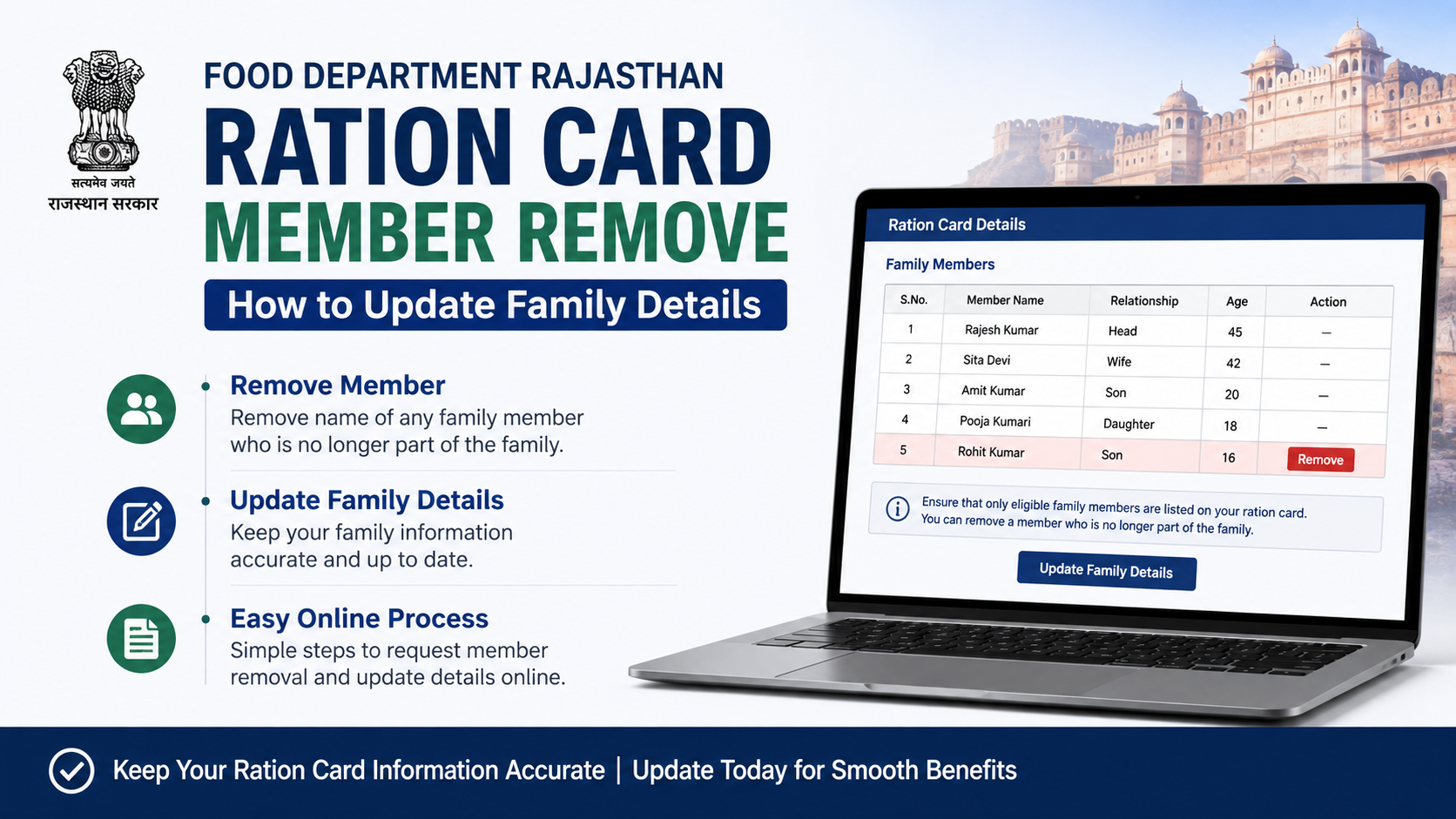
Removing a person from a Rajasthan ration card is necessary when a family member dies, moves to another household, gets married, receives a separate ration card, or has been added by mistake. The service is commonly searched as “ration card member remove Rajasthan.”
Rajasthan’s Food and Civil Supplies Department processes member deletion through the ration-card correction service, generally identified as Form 4. Applications are submitted through an e-Mitra kiosk or the department’s ration-card system and are then sent to the competent local food-supply authority for verification and approval. The official e-Mitra manual describes Form 4 for ration-card corrections and family-detail changes, while the state’s e-Mitra service reports list “Ration Card Add Name – Deletion of Name – Correction (Form-4)” as a Food and Civil Supplies service. Rajasthan e-Mitra correction manual · Rajasthan e-Mitra service list
This guide explains the current procedure, documents, common reasons, status tracking and the difference between deleting a ration-card member and deleting a Jan Aadhaar member.
Key Takeaways
- Use the Rajasthan ration-card Form 4 correction service to request deletion of a family member.
- The application is normally prepared and submitted through an authorised e-Mitra kiosk.
- Keep the ration-card number, Aadhaar details and proof supporting the deletion reason ready.
- Deleting a person from Jan Aadhaar does not automatically remove that person from the ration card; these are separate records.
- Save the receipt or application number to track progress and respond if the application is returned for correction.
- Do not request deletion merely to reduce family size; inaccurate records can affect NFSA benefits and future verification.
What Does “Ration Card Member Remove Rajasthan” Mean?
A ration card records the household members who are considered part of the cardholder’s family for public-distribution purposes. Member removal means deleting one individual’s entry from an existing card while keeping the card active for the remaining household.
This is different from:
- Ration-card cancellation: closing the entire card.
- NFSA “Give-Up” application: voluntarily leaving the Food Security (NFSA) benefit.
- Jan Aadhaar deletion or transfer: changing the family record maintained under Rajasthan’s Jan Aadhaar programme.
- Name correction: fixing spelling, relationship or demographic details without removing the person.
The Rajasthan ration-card portal separately provides services such as adding a new member, checking application status, downloading a card and submitting NFSA-related applications. Rajasthan Ration Card portal
When Should a Member Be Removed?
Request deletion only when the family record no longer correctly reflects the household. Typical situations include:
Death of a family member
A deceased person should be removed so that the card remains accurate. The authority may ask for a death certificate or another officially accepted record.
Marriage and change of household
If a daughter, son or another member has permanently moved to a spouse’s household, the original card may need to be updated. The new household may separately apply to add the person, subject to applicable rules.
Permanent migration or separate residence
A member who has shifted permanently to another household or state should not normally remain listed on the original family card. Depending on the circumstances, the person may need a transfer, surrender or a new-card process rather than simple deletion.
Duplicate or wrong entry
If the same person appears twice, or was entered with incorrect identity details, ask the e-Mitra operator whether deletion, correction or record-merging is the appropriate option.
Separate ration card
A person who has become the head or member of another approved household may need to be removed from the previous card to avoid duplicate household records.
Documents and Information to Prepare
The exact document checklist can vary by the reason for deletion and the verifying authority. Before visiting e-Mitra, prepare clear copies and originals where possible:
- Existing ration-card copy or 12-digit ration-card number.
- Aadhaar card or other identity document of the member being removed.
- Aadhaar details of the head of family and relevant existing members.
- Applicant’s mobile number for communication.
- Proof of the reason for removal, such as a death certificate, marriage certificate, transfer document, separate-card details or a written declaration.
- Bank, address or relationship documents if the officer requests them for verification.
- Applicant’s signature or biometric authentication, as required by the kiosk workflow.
Do not submit an unrelated or fabricated document. If the reason is death, for example, a death certificate is more appropriate than an informal letter. Ask the kiosk for a document checklist before final submission because local verification requirements can differ.
How to Remove a Member Through e-Mitra
The official e-Mitra correction manual shows a Form 4 workflow in which the kiosk generates a receipt, retrieves the ration-card record using the 12-digit number, opens the family-details correction screen and sends the completed application for departmental processing. Official correction manual (PDF)
Step 1: Visit an authorised e-Mitra kiosk
Take the ration-card number, documents and the applicant’s mobile phone. Tell the operator clearly that you want deletion of a member from an existing Rajasthan ration card, not cancellation of the entire card.
Step 2: Select the Form 4 correction service
The operator selects the Food and Civil Supplies ration-card correction service. The e-Mitra service catalogue identifies this service as “Ration Card Add Name – Deletion of Name – Correction (Form-4).”
Step 3: Generate the application receipt
The operator enters the applicant’s details and selects Form 4. The manual instructs the kiosk to enter the 12-digit ration-card number and use the search function to retrieve the card record. Check that the displayed household and head-of-family details are correct before submission.
Step 4: Choose family-detail correction
In the detail-entry screen, select the family-details section. The manual identifies options for changing a member’s name and relationship; the operator should use the available deletion or removal option for the relevant member. Confirm the correct person carefully, especially where two members have similar names.
Step 5: Upload or record supporting documents
Provide the documents required for the stated reason. Review scans for legibility. Incorrect Aadhaar numbers, mismatched names or unreadable certificates can lead to a returned application.
Step 6: Verify and submit
Review every field, complete the applicant’s authentication and generate the token or acknowledgement. Ask for a printed receipt showing the application or form number.
Step 7: Keep the receipt
The receipt is important for status enquiries, corrections and appeals. Do not rely only on a verbal assurance from the kiosk operator.
How the Department Processes the Request
After e-Mitra submission, the application is forwarded through the ration-card system to the relevant local authority, such as the designated food-supply office. The official manual shows departmental login, receipt processing, approval and digital-signature stages before the corrected ration card is generated.
Processing time is not stated as a single guaranteed period on the official pages cited here. It can depend on document verification, workload, field enquiry and whether the application is returned for correction. Treat any time quoted by an unofficial agent as an estimate, not an official deadline.
If the authority sends the form back, the e-Mitra operator can reopen the detail-entry record, correct the deficiency and resubmit it. Read the return reason carefully instead of creating a new application immediately.
How to Check Application Status
Use the Rajasthan Ration Card portal’s application-status facility, where available, or ask the e-Mitra kiosk to check the form using the receipt or application number. The state portal also provides card-download functionality after processing. Rajasthan Ration Card portal · Download Ration Card/Surrender Certificate
When checking status, keep these details ready:
| Information | Why it matters |
|---|---|
| Receipt or form number | Identifies the submitted request |
| 12-digit ration-card number | Locates the household record |
| Applicant mobile number | Helps with communication or OTP-based services |
| Date and kiosk details | Useful if the record cannot be found |
After approval, download or print the updated ration card and verify that the correct member was removed while all other members remain unchanged.
Ration Card Deletion vs Jan Aadhaar Deletion
Rajasthan maintains separate ration-card and Jan Aadhaar databases. The Jan Aadhaar website describes edit, update, split and deletion functions for Jan Aadhaar families or individuals. Jan Aadhaar edit/update guidance
Removing a name from one system does not necessarily update the other automatically. For example:
- A person may be removed from the ration card but remain in the Jan Aadhaar family.
- A Jan Aadhaar member may be transferred after marriage while the ration card still requires a separate Form 4 request.
- NFSA eligibility checks may use linked records, so inconsistent information can delay verification.
If both records must change, ask e-Mitra to process the relevant service for each database and retain both acknowledgements.
Common Mistakes to Avoid
- Selecting “ration-card cancellation” when only one member must be removed.
- Entering the wrong ration-card number.
- Removing a member before confirming that another household has accepted or added the person.
- Uploading a document with a different spelling or date of birth without an explanation.
- Paying an undocumented extra charge. Request a service receipt for any official kiosk charge.
- Sharing Aadhaar OTPs with strangers or unauthorised callers.
- Assuming that deletion automatically ends every linked benefit. Check the effect on NFSA, pension, health-insurance or other schemes separately.
- Applying repeatedly before the first request is decided, which can create duplicate records.
Frequently Asked Questions
Can I remove a ration-card member online myself?
Rajasthan’s public-facing portal provides ration-card services, but the Form 4 correction workflow documented by e-Mitra is designed for kiosk submission and departmental processing. Visit an authorised e-Mitra centre unless the portal currently offers a self-service option for your district.
Is Form 4 used for both adding and deleting names?
Yes. Rajasthan’s e-Mitra service catalogue identifies Form 4 for adding a name, deleting a name and correcting ration-card details. Select the specific family-member deletion option during data entry.
What if the member has moved to another state?
Simple deletion may not be the correct route if the person needs a formal transfer or a new ration card elsewhere. Explain the permanent-migration facts to the food-supply official and ask whether a transfer, surrender or deletion application is required.
How can I correct an error after submission?
If the application is returned, ask the e-Mitra kiosk to open the returned form, fix the specified error and resubmit it. If it is marked approved but the printed card is wrong, report the discrepancy to the concerned food-supply office with the receipt.
Where can I see lists of removed members?
The Jan Soochna portal lists a service titled “List of Members Removed From Ration Card.” Availability and search fields may vary, so use the official portal and your application details when checking records. Jan Soochna services
Conclusion
For ration card member remove Rajasthan requests, the practical route is to submit a Form 4 family-details correction through an authorised e-Mitra kiosk, attach reason-specific evidence and retain the acknowledgement. Verify the updated card after departmental approval, and remember that Jan Aadhaar changes are separate. Use only official Rajasthan portals or authorised kiosks, protect Aadhaar information and ask the local food-supply office for clarification whenever the reason involves migration, duplicate records or a new household.













