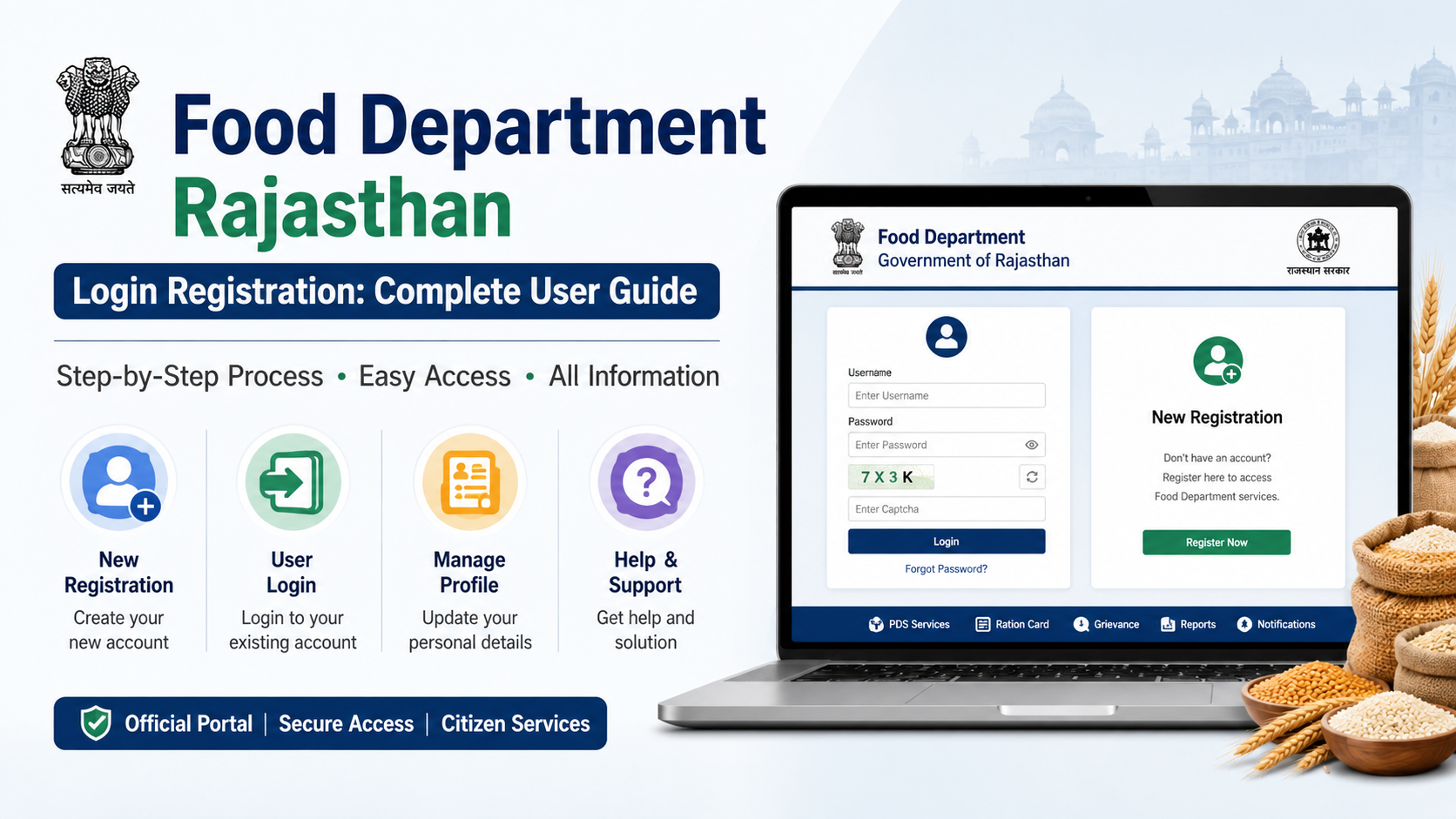
The food department rajasthan login registration process can mean different things depending on the service you need. Rajasthan’s Food, Civil Supplies and Consumer Affairs Department provides public ration-card, NFSA, Aadhaar-seeding and Fair Price Shop information through its official portal. However, citizen applications such as ration-card services are generally accessed through Rajasthan Single Sign-On (SSO) and e-Mitra.
This guide explains which official portal to use, how to create or use an SSO ID, how to reach ration-card-related services, check application status, and avoid common mistakes.
Key Takeaways
- Use the official Rajasthan Food Department portal for public information, reports, NFSA links and ration-card status tools.
- A citizen generally needs a Rajasthan SSO ID to access e-Mitra-based application services.
- The official Food Department workflow for a new ration card directs users from SSO to Citizen Apps (G2C) and then e-Mitra.
- Keep your application or transaction number safely; it is useful for tracking through e-Mitra.
- Do not share OTPs, SSO passwords, Aadhaar details or Jan Aadhaar details with unofficial agents.
- e-Mitra lists an application service charge of ₹50 per service, while departmental charges may be additional.
Understand the Official Portals Before You Register
A common source of confusion is assuming that every Food Department task uses one username and one website. In practice, Rajasthan residents may use several connected government platforms.
| Need | Official platform | What it is used for |
|---|---|---|
| Food Department notices, reports and public services | Food Department Rajasthan | NFSA links, ration-card details, application-status link, eKYC/Aadhaar-seeding status and FPS information |
| One identity for Rajasthan online services | Rajasthan SSO | Creating and using an SSO ID for government applications |
| Citizen service delivery and transactions | e-Mitra | Ration-card services, application submission, payments and transaction tracking |
| National food-security public login | NFSA Common Registration Facility | Login through Aadhaar OTP, Login ID or linked ration-card number where applicable |
| Wheat procurement farmer account | Rajasthan e-Procurement | Separate farmer registration and login for procurement-related activity |
The Food Department portal itself does not mean that every visitor must create a department-specific citizen account. First identify the service you need, then use the relevant official link.
What You Can Access Through the Food Department Rajasthan Portal
The official Food Department website offers several public-facing services and information areas. These are useful even if you do not yet have an SSO ID.
Available links on the portal include:
- Applying for the Food Security Scheme (NFSA)
- Applying to voluntarily exit NFSA under the Give-Up campaign
- Checking Aadhaar seeding, eKYC and LPG ID mapping status
- Viewing ration-card and ration-distribution details
- Checking ration-card application status
- Finding district-wise ration-card information
- Viewing PoS transaction reports
- Finding Fair Price Shop (FPS) lists, stock and lifting details
- Viewing NFSA beneficiary reports
Use the official portal’s menu rather than relying on links shared through social media, messaging groups or unverified blogs. Government portals may revise page names and service paths, so start from the department homepage when in doubt.
How to Create a Rajasthan SSO ID
An SSO ID is the Rajasthan government’s single login identity for many online services. If the service you need opens through SSO or e-Mitra, create an account only on the official SSO website.
Citizen Registration Steps
- Open Rajasthan SSO.
- Select Registration.
- Choose the citizen registration option shown on the portal.
- Complete identity verification using the currently available method, such as Jan Aadhaar or another option displayed by the official portal.
- Provide the required mobile number and verify the OTP, if prompted.
- Create your SSO ID and password.
- Review the profile details before submitting.
- Save the SSO ID securely. Do not share your password or OTP.
The registration screen and available verification options may change. Follow the fields shown on the official SSO page instead of copying steps from old screenshots.
Before You Begin
Keep these details ready, where applicable:
- Active mobile number that can receive OTPs
- Jan Aadhaar details or other identity information requested by SSO
- Correct spelling of your name and address
- Email address, if requested
- Access to a personal device or a trusted e-Mitra kiosk
Enter details exactly as they appear in your linked government records. A mismatch in name, date of birth, mobile number or family details can delay a later service request.
Food Department Rajasthan Login: Accessing Ration-Card Services
For a new ration-card-related request, the Food Department’s published workflow directs citizens to log in through SSO, select Citizen Apps (G2C) and open e-Mitra. From there, users can locate the appropriate ration-card service.
Typical Citizen Workflow
- Sign in at the official SSO portal using your SSO ID and password.
- Open the citizen application area, commonly labelled Citizen Apps (G2C).
- Select e-Mitra.
- Search for the relevant ration-card or Food Department service.
- Choose the correct service type, such as a new application, correction, addition or deletion of a name, duplicate card, or another available option.
- Fill in the application carefully and upload only the documents requested on-screen.
- Review the information, submit the request and complete payment if the service asks for it.
- Download or record the receipt, application number and transaction ID.
Do not assume that submitting a ration-card request automatically confirms NFSA eligibility. A ration card, a food-security benefit and an application request are separate administrative matters. The final status shown by the competent authority is the one that counts.
If You Visit an e-Mitra Kiosk
e-Mitra also provides access through authorised kiosks. Before paying, ask the operator to show:
- The exact service selected
- The applicant name and mobile number entered
- The documents uploaded
- The receipt or transaction number
- The charge breakup
The official e-Mitra rate page lists ₹50 per government-service application, with ration card included among the examples. It also states that departmental charges, if applicable, are additional. Confirm the displayed amount before payment and always obtain a receipt.
New Ration Card, Corrections and Other Requests
The exact list of available forms can change, but e-Mitra’s published service material includes ration-card-related categories such as:
- New ration-card application
- Duplicate ration card
- Addition, deletion or correction of a member’s details
- Transfer-related ration-card services
Choose the form that matches your situation. For example, a correction to an existing record is not the same as applying for a new ration card. Submitting the wrong service can create avoidable follow-up work.
Documents and Evidence
Do not rely on a fixed internet checklist, because required documents can differ by service, household circumstances and the form displayed on the portal. Use the live instructions in the selected e-Mitra service.
In general, keep available any identity, address, family or supporting documents requested during the application. If you are adding or removing a family member, ensure that the supporting record matches the requested change. Upload readable files and check every field before final submission.
How to Check Application and Transaction Status
There are two useful tracking routes.
Food Department Ration-Card Status
Visit the Food Department Rajasthan portal and use the Ration Card Application Status link under the ration-card section. Follow the fields displayed by the live status page.
e-Mitra Transaction Status
The e-Mitra portal provides Online Verification / Transaction Status. Depending on the screen, you may be able to search using a transaction ID, receipt number or Jan Aadhaar number.
Use the number printed on your submission receipt. Keep both a screenshot and a downloaded copy where possible. If a payment succeeds but the application screen does not confirm submission, do not immediately submit or pay again. First check the transaction status or contact e-Mitra support with the receipt details.
Login Problems and Practical Fixes
Forgot SSO ID or Password
Use the Forgot SSO ID or Forgot Password option on the official SSO login page. Avoid creating a second account unless the portal specifically instructs you to do so. Multiple IDs can complicate access and profile matching.
OTP Is Not Received
Check that:
- Your registered mobile number is active and has network coverage.
- The number entered matches the linked record.
- You have waited for the resend option rather than repeatedly refreshing the page.
- SMS-blocking settings or a full inbox are not interfering.
If the mobile number linked to Jan Aadhaar or another underlying record is incorrect, resolve that record issue through the appropriate official channel before retrying.
Details Do Not Match
Stop and correct the underlying data where required. Repeatedly entering inconsistent details may not solve the issue and can lead to a rejected request. Use the current portal instructions or an authorised e-Mitra kiosk for help.
Technical Support Contacts
For e-Mitra technical support, the official portal lists:
- Phone: 0141-2922238 and 0141-2922241
- Email: helpdesk.emitra@rajasthan.gov.in
- Toll-free public helpline: 181
The Food Department lists its Secretariat contact number as 0141-2227352 and its official emails as secy-food-rj@nic.in and afcfood-rj@nic.in.
Safety Rules for Online Food Department Services
Government-service applications contain sensitive personal data. Follow these precautions:
- Type official addresses yourself or open them from a government portal.
- Check that the domain ends in
.rajasthan.gov.in,.gov.inor another official government domain relevant to the service. - Never disclose OTPs, passwords or PINs to callers or kiosk operators.
- Do not send Aadhaar or Jan Aadhaar images through informal WhatsApp groups.
- Use a strong, unique SSO password.
- Log out after using a shared computer or kiosk.
- Save official receipts; screenshots of verbal promises are not a substitute.
- Treat messages promising “guaranteed NFSA approval” or “instant ration card” with caution.
Frequently Asked Questions
Is there a separate Food Department Rajasthan login for every citizen?
Not necessarily. The Food Department website provides public information and links, while many citizen application services are accessed through Rajasthan SSO and e-Mitra. Use the service path shown on the official portal.
How do I apply for a new ration card in Rajasthan?
Create or use your Rajasthan SSO ID, open Citizen Apps (G2C), select e-Mitra, and choose the current new ration-card service. Complete the form and preserve the transaction receipt. The official workflow may change, so follow the live service screen.
Can I check my ration-card application without visiting an office?
The Food Department portal includes a Ration Card Application Status link. You can also use e-Mitra’s online verification or transaction-status facility when you have the relevant transaction or receipt number.
Is an SSO ID the same as a ration-card number?
No. An SSO ID is a Rajasthan government login identity. A ration-card number identifies a ration card. They serve different purposes, although a service may link details during an application.
What should I do if an e-Mitra operator charges more than expected?
Ask for the service and fee breakup, then retain the receipt. The official e-Mitra rate page directs users to report overcharging through the toll-free number 1800-180-6127. Departmental charges may be additional, so compare the receipt with the declared service and charge details.
Conclusion
The safest way to complete food department rajasthan login registration is to begin with the official Food Department website, use Rajasthan SSO for your government login, and access applicable ration-card services through e-Mitra. Enter only verified details, keep every receipt and application number, and use official status tools before making another payment or submission.













