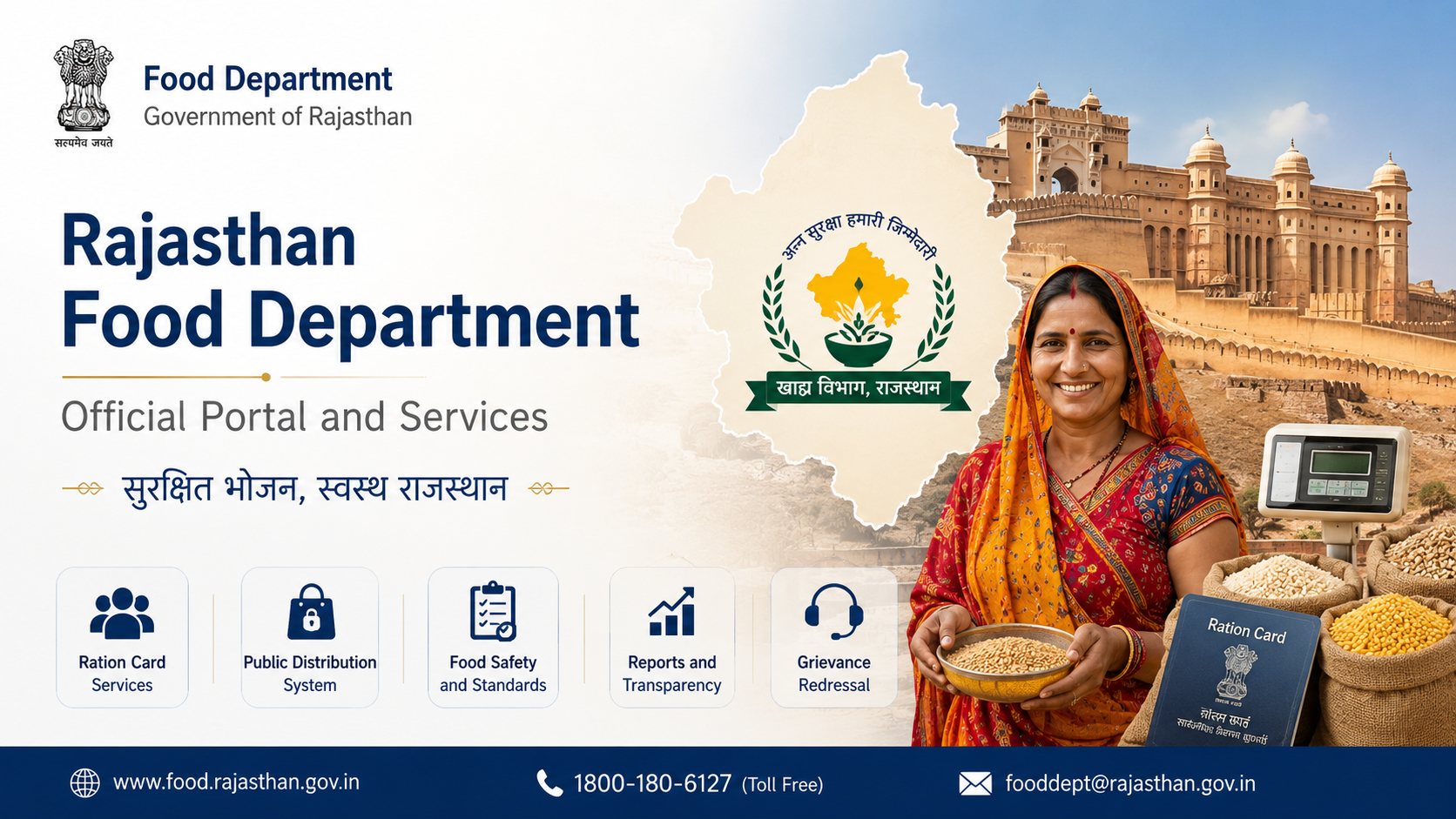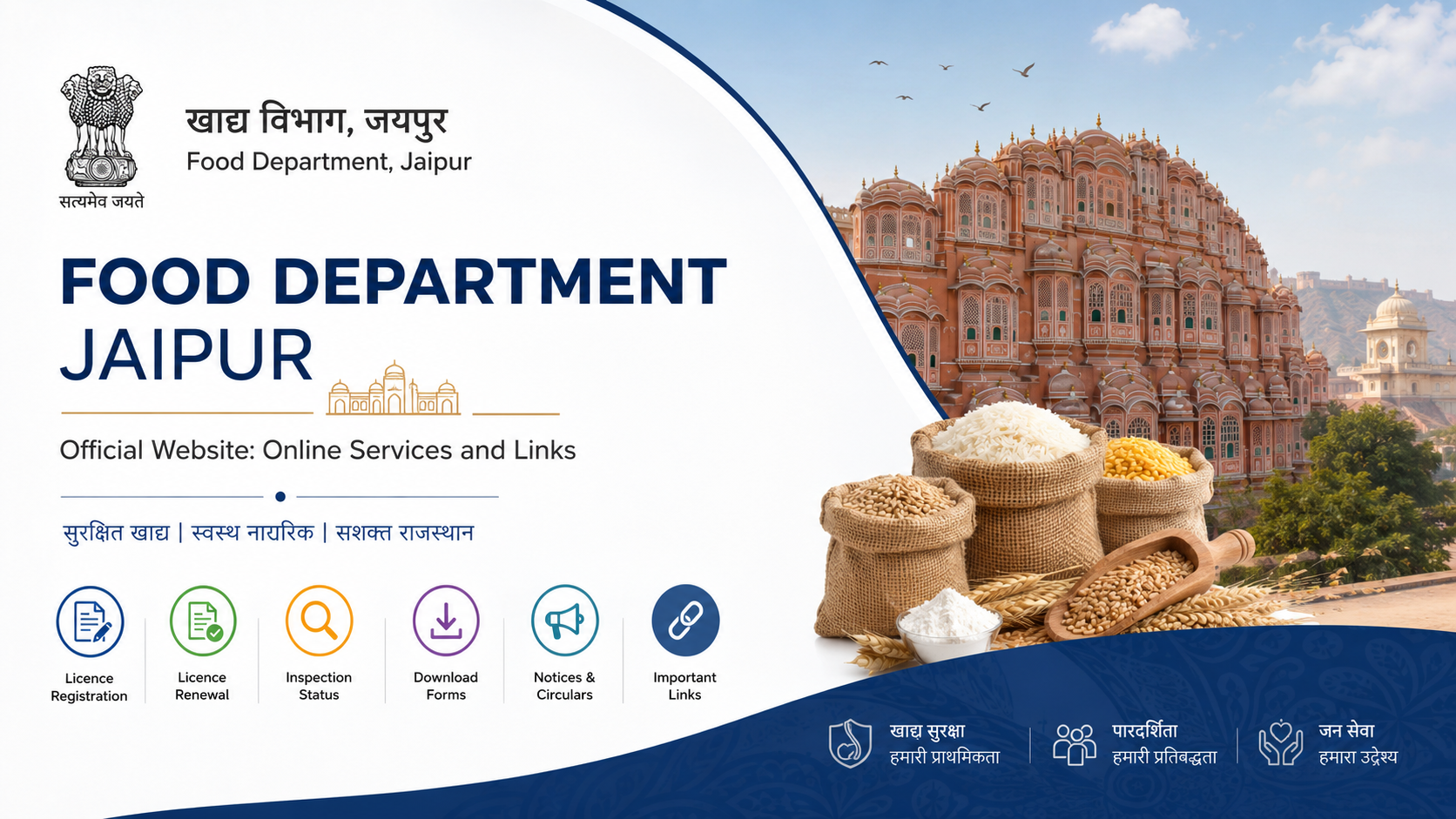
For residents searching for the food department jaipur official website, the correct starting point is the Rajasthan Government’s Food Department portal: food.rajasthan.gov.in. It provides official links for ration-card services, National Food Security Act (NFSA) applications, ration-card and distribution details, Aadhaar-related status checks, notices, orders, and public-distribution-system information.
The department is based at the Government Secretariat in Jaipur, but its online services are designed for eligible residents throughout Rajasthan. This guide explains which portal to use for each task, how to avoid unofficial websites, and where to seek help if an online request cannot be completed.
Key Takeaways
- The official Rajasthan Food Department website is food.rajasthan.gov.in.
- The portal links to services for new ration cards, NFSA applications, ration-card status, Aadhaar seeding/e-KYC status, and PoS distribution reports.
- Ration-card applications and eligibility decisions are handled by the Rajasthan State Government, not through a single national application form.
- Jan Aadhaar information and Aadhaar e-KYC can be important for Rajasthan service delivery; use the official Jan Aadhaar portal.
- For grievances, residents can use Rajasthan Sampark or call the published helplines rather than relying on agents or social-media posts.
- Check the official portal’s notices before acting on any deadline, document list, or eligibility claim.
Official Food Department Jaipur Website
The official portal for the Department of Food and Civil Supplies, Government of Rajasthan, is:
https://food.rajasthan.gov.in/
The site identifies the department’s Jaipur office as Food Department, Government Secretariat, Jaipur, Rajasthan–302005. It publishes departmental news, notifications, circulars, policies, tender information, public-distribution-system resources, and links to citizen services.
The National Food Security Act (NFSA) portal also lists this as Rajasthan’s State Food Department website. Its Rajasthan page provides state-level PDS information, official contact details, and links to ration-card and fair-price-shop reports. Visit NFSA Rajasthan for the central government’s state information page.
Do Not Confuse Food Department Services With Food Business Licensing
A common mistake is searching for food-related government services and landing on FSSAI licensing pages. FSSAI registration and licences concern food businesses, such as restaurants, manufacturers, caterers, and retailers. The Rajasthan Food Department portal discussed here primarily concerns ration cards, food-security benefits, public distribution, fair-price shops, and related departmental information.
Main Online Services Available Through the Portal
The Food Department homepage acts as a directory to several official systems. Services can change, so use the live links on the departmental site instead of saving third-party URLs.
| Service need | What to use |
|---|---|
| Department news, circulars, policies and notices | Rajasthan Food Department |
| New ration-card information or application route | Food Department portal and Rajasthan SSO/e-Mitra route |
| NFSA application or food-security-related request | Food Department portal’s NFSA application link |
| Ration-card and ration-distribution details | Food Department portal’s ration-card section |
| Ration-card application status | Food Department portal’s “Ration Card Application Status” link |
| Aadhaar seeding, e-KYC and LPG-ID mapping status | Food Department portal’s status link |
| Ration card–Jan Aadhaar mapping | Ration Card and Jan Aadhaar Mapping |
| Jan Aadhaar enrolment or e-KYC | Jan Aadhaar portal |
| PDS grievance | Rajasthan Sampark / published helplines |
The homepage currently includes links labelled in Hindi for applying for a new ration card, applying under food security, opting out of NFSA under the “Give Up” campaign, checking Aadhaar seeding/e-KYC/LPG mapping status, viewing ration-card and ration-distribution details, and viewing PoS transaction reports.
How to Apply for a New Ration Card
A ration card is a state-managed record. The Government of India’s NFSA portal states that the respective State Government or Union Territory Administration handles beneficiary identification and issuance of Antyodaya Anna Yojana (AAY) and Priority Household (PHH) ration cards. Therefore, Rajasthan residents should follow the process displayed through Rajasthan’s official Food Department channels.
Use SSO or e-Mitra When the Service Requires Login
The department’s official workflow document for a new ration-card application directs citizens to log in through the Rajasthan Single Sign-On (SSO) portal and access the relevant citizen/e-Mitra service. Start from the Food Department homepage or Rajasthan SSO rather than searching for a privately hosted “ration card form.”
If you do not have an SSO account or need assisted service, visit an authorised e-Mitra kiosk. Keep any application reference number, acknowledgement, uploaded-document receipt, and payment record if a charge is shown within the official workflow.
Prepare Information Carefully
Do not assume that one universal document list applies to every household or every service. The required fields, documents, verification route, and final decision are determined by the live government form and the competent authority.
Before submitting, ensure that names, dates of birth, mobile numbers, address details, and Aadhaar/Jan Aadhaar data are consistent. A mismatch can delay verification or make it difficult to track an application.
New Ration Card Is Not the Same as NFSA Inclusion
Getting or updating a ration-card record is distinct from being included as an NFSA beneficiary. The Food Department portal presents separate links for a new ration card and for NFSA-related applications. Use the option that matches your requirement; do not treat a submitted ration-card request as confirmation of food-security eligibility.
The National Government Services Portal also describes the Rajasthan new-ration-card form as “partially online,” which is a useful reminder that document verification or a visit to an authorised channel may still be required.
NFSA Applications and the “Give Up” Option
The Food Department portal includes a link for applying under the National Food Security Scheme and another for voluntary removal from NFSA through the “Give Up” campaign. These are separate actions with different outcomes.
Applying Under NFSA
NFSA eligibility is not established simply by opening an online form. A household must meet the applicable Rajasthan government criteria and pass the prescribed verification process. Rely on the current instructions shown in the official application journey and any departmental notification linked on the portal.
Avoid websites that promise “guaranteed NFSA approval,” claim to add a name without verification, or request Aadhaar OTPs outside official government pages.
Voluntarily Exiting NFSA
If a household wishes to remove itself from the scheme, use the official “Give Up” route linked from the Food Department website. Submit the request only after reading the live declaration and consequences. A voluntary exit should not be treated as a casual profile update, because it concerns a food-security benefit.
Check Ration Card, Aadhaar and Distribution Information
The online portal is also useful after an application is submitted or when an existing card requires attention.
Ration Card Application Status
Use the Food Department website’s official Ration Card Application Status link. Enter only the details requested on the government page. If the status is unclear, retain the application number and contact the department or an authorised e-Mitra centre rather than repeatedly filing new applications.
Ration Card and Jan Aadhaar Mapping
The official Ration Card and Jan Aadhaar Mapping page allows users to select a district and enter a ration-card number to check mapping information. Use it only on the rajasthan.gov.in domain and avoid sharing card details through WhatsApp groups or unverified support numbers.
Aadhaar Seeding and e-KYC
The Food Department portal provides a status route for Aadhaar seeding, e-KYC, and LPG-ID mapping. For Jan Aadhaar-specific e-KYC, use the official Jan Aadhaar e-KYC page.
The Jan Aadhaar Authority states that Aadhaar e-KYC is mandatory for the family head and members above five years of age for Jan Aadhaar enrolment or editing. It also says e-KYC can be completed through SSO or a nearby e-Mitra centre. Follow the current on-screen instructions, especially for children and correction cases.
PoS Transaction Reports
The Food Department portal links to PoS transaction reports, including fair-price-shop-wise and date-wise reports. These are useful for checking distribution records and understanding transaction activity. A report is not automatically proof of entitlement in every dispute; preserve receipts and raise a grievance if the displayed data does not match the actual issue.
Official Links and Contact Options
Use these official links as a practical bookmark list:
- Rajasthan Food Department
- NFSA Rajasthan State Page
- Rajasthan SSO
- Jan Aadhaar Portal
- Ration Card and Jan Aadhaar Mapping
- National portal: apply for a ration card
- National Government Services Portal: Rajasthan new ration-card form
The NFSA Rajasthan page lists Food and Civil Supplies helpdesk numbers 6127, 1800-180-6127, and 181. It also links to Rajasthan’s grievance-redressal system. For Jaipur office correspondence, the Food Department website lists the department at Government Secretariat, Jaipur–302005 and publishes departmental contact information on its homepage.
How to Use the Portal Safely
Government-service searches often attract misleading advertisements and unofficial “consultants.” A few basic checks can prevent data loss and unnecessary fees.
- Prefer websites using official government domains such as
rajasthan.gov.in,nic.in,gov.in, or links opened from the Food Department homepage. - Check that the page address is correct before entering a ration-card number, Aadhaar number, Jan Aadhaar number, password, or OTP.
- Never disclose an OTP to a caller, WhatsApp contact, or person claiming to “activate” ration benefits.
- Read the acknowledgement screen and save the reference number after submitting a request.
- Check the official notices and circulars page for changes to procedures or campaigns.
- Use an authorised e-Mitra kiosk if you need assistance; ask for a receipt showing the service requested.
Frequently Asked Questions
What is the food department jaipur official website?
The official website is food.rajasthan.gov.in, operated for Rajasthan’s Food Department. It is the appropriate starting point for official ration-card, NFSA, PDS, notice, and service links.
Can I apply for a new ration card directly on the national NFSA website?
The NFSA portal explains that ration-card applications and beneficiary identification are handled by the respective State Government or Union Territory Administration. For Rajasthan, follow the route on the Food Department website, typically through Rajasthan SSO or e-Mitra when required.
Is a new ration card the same as NFSA eligibility?
No. The Rajasthan Food Department portal provides separate options for a new ration card and for NFSA-related applications. A ration-card request does not by itself confirm NFSA inclusion or entitlement.
How can I check whether my ration card is linked with Jan Aadhaar?
Use the official Ration Card and Jan Aadhaar Mapping page. It asks users to select a district and enter the ration-card number.
Where can I complain about a PDS or ration-related issue?
Use the grievance route linked from the official Food Department or NFSA Rajasthan page. The NFSA Rajasthan page lists 6127, 1800-180-6127, and 181 as helpdesk numbers. Keep your ration-card number, application reference, receipt, or transaction details ready before reporting the issue.
Conclusion
The reliable answer to searches for the food department jaipur official website is food.rajasthan.gov.in. Use it as the primary gateway for ration-card services, NFSA links, Aadhaar/e-KYC status tools, distribution reports, notices, and official support channels. For any application or update, begin with the live government link, keep your acknowledgement details, and use SSO or an authorised e-Mitra centre when the official process requires it.