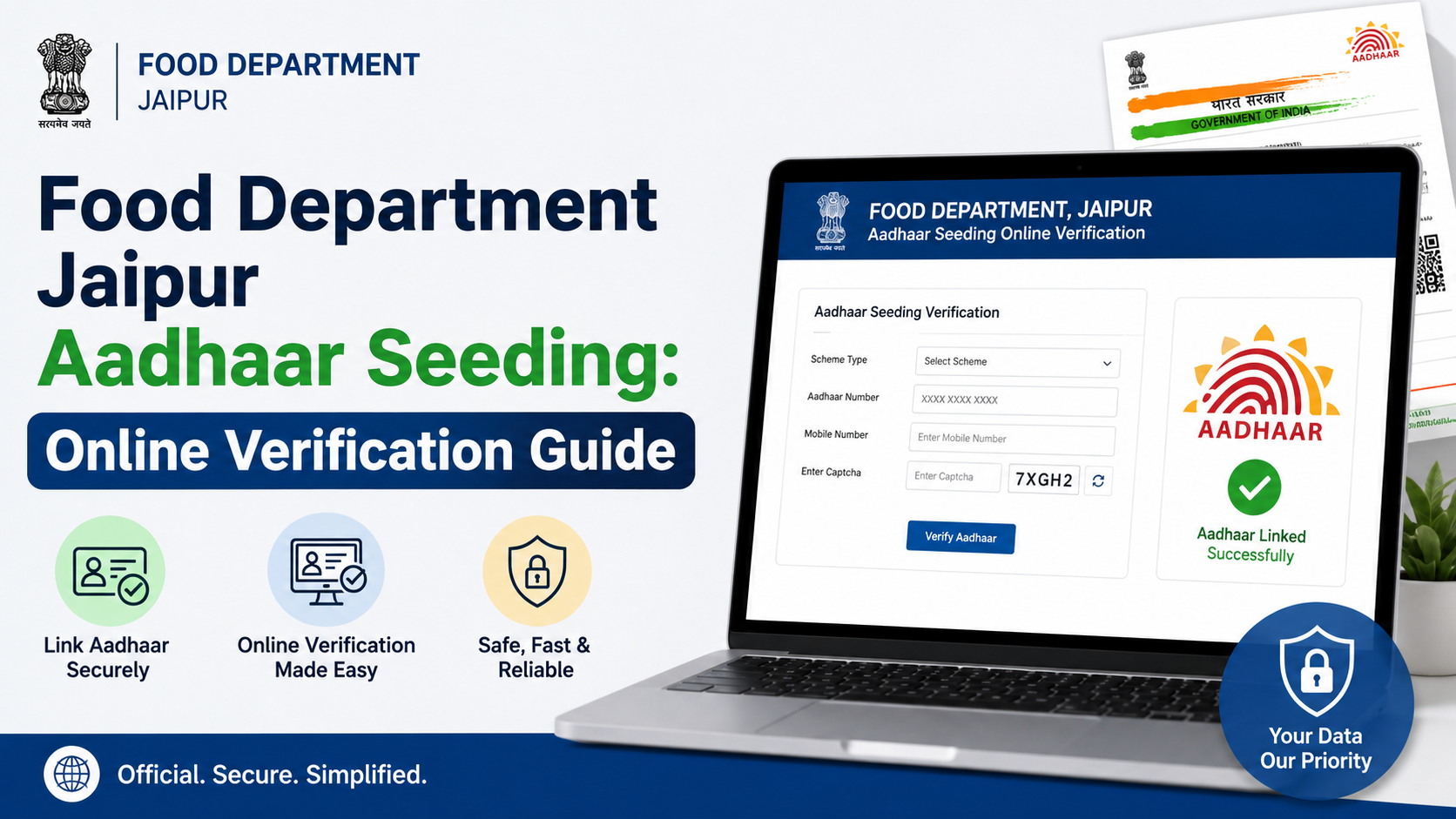
If you are searching for food department jaipur aadhaar seeding, the safest approach is to use Rajasthan Government portals—not unofficial status-check websites. Jaipur residents can use the Rajasthan Food Department’s public-services area to check Aadhaar seeding, e-KYC and LPG ID mapping status for ration-card and NFSA-related records. Jan Aadhaar e-KYC can be completed through SSO or at an authorised e-Mitra centre.
This guide explains what to verify, how the portals fit together, what a failed result can mean, and where to seek help without sharing sensitive Aadhaar details.
Key Takeaways
- The Rajasthan Food Department provides a public option to check Aadhaar seeding, e-KYC and LPG ID mapping status.
- Aadhaar seeding status and Jan Aadhaar e-KYC are related but not identical checks.
- Rajasthan’s Jan Aadhaar portal states that Aadhaar e-KYC is mandatory for the family head and members above five years of age.
- Jan Aadhaar e-KYC may be completed through an SSO ID or the nearest e-Mitra centre.
- An unsuccessful biometric or OTP authentication should not automatically deprive a genuine beneficiary of a notified benefit; alternate methods are provided in applicable notifications.
- Use only official
.rajasthan.gov.in,.gov.inand UIDAI websites, and never disclose an OTP to another person.
What Food Department Jaipur Aadhaar Seeding Means
In this context, “Aadhaar seeding” generally means linking and validating a beneficiary’s Aadhaar information within the relevant Rajasthan government record. Depending on the service, the record may involve:
| Record or check | Why it matters |
|---|---|
| Ration card / NFSA record | Helps the department maintain beneficiary information and support entitlement delivery. |
| Aadhaar authentication | Confirms identity through an approved mode such as OTP or biometrics. |
| Jan Aadhaar e-KYC | Digitally verifies member details, including name, gender, date of birth and photograph, through Aadhaar authentication. |
| LPG ID mapping | A separate status item shown in the Food Department’s public-services area; it should be checked independently where relevant. |
The official Rajasthan Food Department portal lists a public facility to know the status of Aadhaar seeding, e-KYC and LPG ID mapping. The portal also provides ration-card information, application-status options and NFSA reports.
Do not assume that a successful Aadhaar verification alone proves that every ration-card, Jan Aadhaar or LPG record is updated. Each database may display a separate status.
Aadhaar Seeding, Aadhaar Verification and Jan Aadhaar e-KYC: The Difference
These terms are often used interchangeably, but they refer to different actions.
Aadhaar verification
UIDAI’s Aadhaar verification service can indicate whether an Aadhaar number is valid and active for verification. It does not show whether the number has been linked to a Rajasthan ration card or whether Jan Aadhaar e-KYC has been completed.
Aadhaar seeding in a food or NFSA record
This concerns whether Aadhaar details are recorded or linked in the relevant Food Department beneficiary record. Use the Food Department’s status facility for this purpose rather than relying on an Aadhaar card alone.
Jan Aadhaar e-KYC
The Jan Aadhaar e-KYC page states that e-KYC digitally verifies a family or member’s photo, date of birth, gender and name through Aadhaar authentication. It also states that:
- Aadhaar e-KYC is mandatory for the head of the family and all members above five years of age.
- For children below five, the process may use a Rajasthan-issued birth certificate, or Aadhaar where the birth certificate was issued outside Rajasthan.
- Jan Aadhaar edits or updates are possible only after Aadhaar e-KYC.
- e-KYC can be done through SSO or at the nearest e-Mitra centre.
What to Keep Ready Before Checking Online
Prepare the information shown on your official documents before you begin. Avoid sending photos of these documents to unknown agents or websites.
| Keep ready | Purpose |
|---|---|
| Ration card number | To locate the relevant ration-card or NFSA record where requested. |
| Jan Aadhaar number | Needed for Jan Aadhaar member-related services and status checks. |
| Aadhaar number | Use only on an official government or UIDAI page when required. |
| Mobile phone with access to the registered number | Required if the service sends an OTP. |
| SSO credentials | Needed if you are completing Jan Aadhaar e-KYC yourself through SSO. |
| Application/reference number, if available | Useful for tracking a pending ration-card or member-addition request. |
Before entering an OTP, verify that the browser address is an official government domain and that you initiated the request yourself.
How to Check Food Department Jaipur Aadhaar Seeding Status Online
The exact layout of government portals can change, so use the official portal’s current menu labels rather than depending on screenshots or third-party links.
- Open the Rajasthan Food Department website.
- Look for the public-information section that refers to Aadhaar seeding, e-KYC and LPG ID mapping status.
- Select the relevant status service.
- Enter only the details the official page requests, such as a ration-card number, Jan Aadhaar number or other listed identifier.
- Complete the captcha or OTP step if displayed.
- Read the result carefully and note whether it refers to Aadhaar seeding, e-KYC, LPG mapping, or another field.
- Save a screenshot or note the result date for your records, but do not share full Aadhaar numbers in screenshots.
If you are checking an application rather than an existing record, use the Food Department’s ration-card application-status service. Rajasthan also provides separate pages for NFSA applications and applications to add a new ration-card member.
Check the correct person and record
For a family ration card, confirm the result for each relevant member if the page allows member-level details. A household may have a mixed position—for example, one member’s Jan Aadhaar e-KYC may be complete while another member requires action.
Never treat a household-level message as proof that every member’s Aadhaar record is correctly seeded unless the portal specifically shows that.
How to Complete Jan Aadhaar e-KYC
The Rajasthan Jan Aadhaar portal gives two official routes: self-service through SSO or assistance at an e-Mitra centre.
Option 1: Use SSO self-service
Log in through the Rajasthan Government SSO route, open the Jan Aadhaar e-KYC service, select the family/member record requested by the portal, and complete the authentication flow. Enter the OTP only on the official page reached through your own login.
This route is appropriate when:
- You have access to the required SSO account.
- Your mobile number can receive the authentication OTP.
- The information displayed matches your documents.
Stop and use assisted service if the portal shows a mismatch, an unfamiliar member record or a failed authentication message you cannot resolve.
Option 2: Visit an authorised e-Mitra centre
The e-Mitra portal is Rajasthan’s official assisted-service platform. An authorised e-Mitra centre can help you access the relevant service, especially where online authentication or record correction needs assistance.
Carry original documents where needed. Ask for a receipt or acknowledgement for any submitted request and retain it until the status is resolved.
Understanding Status Messages and What to Do Next
Portal wording varies, but the action should depend on the category of result.
| Result type | Practical next step |
|---|---|
| Aadhaar seeding shown as complete | Check e-KYC and LPG ID mapping separately if they are relevant to your household. |
| e-KYC pending | Complete Jan Aadhaar e-KYC through SSO or e-Mitra. |
| Aadhaar number or member details do not match | Do not repeatedly submit details. Seek correction through the official Jan Aadhaar process or authorised assistance. |
| OTP not received | Confirm that the mobile number is registered with Aadhaar and has network access; retry only through the official portal. |
| Biometric authentication fails | Ask the service point about alternate authentication options such as iris, face or OTP where available. |
| Ration-card application pending | Use the application-status facility and follow the indicated department or local-body action. |
UIDAI explains that Aadhaar authentication can use OTP, biometrics or other approved authentication modes. An OTP is sent to the mobile number or email registered with UIDAI, where applicable.
For the Rajasthan Food Department’s Rasoi Gas Cylinder Subsidy Yojana notification dated 14 November 2024 and published in the Rajasthan Gazette on 20 November 2024, the department provides remedial mechanisms when authentication fails. These include iris or face authentication for poor fingerprints, OTP or time-based OTP where feasible, and QR-code verification of a physical Aadhaar or Jan Aadhaar letter where other methods are not possible. The notification also says bona fide beneficiaries should not be deprived of due benefits through the applicable exception-handling mechanism.
Common Problems That Delay Verification
Aadhaar-linked mobile number is outdated
OTP-based services depend on the mobile number registered in the relevant system. A mobile number in Jan Aadhaar, Aadhaar and a ration-card record may not always be identical. Identify which portal is asking for the OTP before attempting an update.
Incorrect Aadhaar seeded in Jan Aadhaar
The Jan Aadhaar e-KYC page states that correction of an Aadhaar number wrongly seeded in a Jan Aadhaar family can be handled through a Second Level Verifier. Do not try to solve this by entering another family member’s Aadhaar number.
Biometric mismatch
Age, worn fingerprints and device conditions can contribute to a biometric failure. Request an available alternate mode at an authorised centre. Do not pay an unauthorised person who promises to “bypass” authentication.
Details differ across documents
Name spelling, date of birth or gender discrepancies can prevent e-KYC. Compare the information shown in Jan Aadhaar with Aadhaar and use the official correction route appropriate to the record that is wrong.
Privacy and Fraud Precautions
Aadhaar seeding is an identity-related task, so a little caution matters.
- Use a website you opened yourself from an official government domain.
- Do not disclose OTPs, Aadhaar numbers, passwords or biometric data over a call, WhatsApp message or social-media chat.
- Do not upload Aadhaar documents to an unofficial “status checker.”
- Check UIDAI’s official services if you need to verify Aadhaar or review authentication activity.
- If you have locked your Aadhaar UID, remember that UIDAI says authentication using UID, UID token and VID will not work until it is unlocked using the latest VID.
- Keep receipts, acknowledgement numbers and portal screenshots, but mask Aadhaar numbers before sharing them.
For Food Department contact, the Rajasthan portal lists the department at Government Secretariat, Jaipur, with working-hours phone number 0141-2227352. The Jan Aadhaar portal lists support at 0141-2850287 and janaadhaarsupport@rajasthan.gov.in.
Frequently Asked Questions
Can I complete food department Jaipur Aadhaar seeding entirely online?
The Food Department provides an online status facility for Aadhaar seeding, e-KYC and LPG ID mapping. Jan Aadhaar e-KYC can be done through SSO or at e-Mitra. Whether a particular correction or authentication can be completed online depends on the portal result and the details needing correction.
Is Aadhaar seeding the same as Jan Aadhaar e-KYC?
No. Aadhaar seeding concerns linking Aadhaar in the relevant beneficiary record, while Jan Aadhaar e-KYC digitally verifies specified Jan Aadhaar member details through Aadhaar authentication. Check both statuses where the Food Department service displays them.
What if my fingerprint does not authenticate?
Use an authorised service point and ask about available alternatives. Rajasthan’s notified remedial mechanism for the Rasoi Gas Cylinder Subsidy Yojana includes iris scan, face authentication and OTP-based options where feasible, followed by QR-code verification in other cases.
Can I check whether my Aadhaar number itself is valid?
Yes. UIDAI provides an official Aadhaar verification service. However, a valid Aadhaar result does not confirm that your ration-card or Jan Aadhaar record has been updated.
What should I do if an Aadhaar number has been seeded against the wrong Jan Aadhaar member?
Do not submit repeated e-KYC attempts with different numbers. The Jan Aadhaar portal directs correction of a wrongly seeded Aadhaar number to a Second Level Verifier. Visit or contact an authorised e-Mitra or the Jan Aadhaar support channel for the official correction path.
Conclusion
For food department jaipur aadhaar seeding, begin with the Rajasthan Food Department’s official status facility and identify whether the issue is Aadhaar seeding, Jan Aadhaar e-KYC, LPG ID mapping or a pending ration-card request. Complete Jan Aadhaar e-KYC through SSO or an authorised e-Mitra centre, use UIDAI only for Aadhaar-specific verification, and keep your OTP and document details private. If the portal shows a mismatch or authentication failure, use the official correction or assisted-service route instead of relying on unofficial agents.













