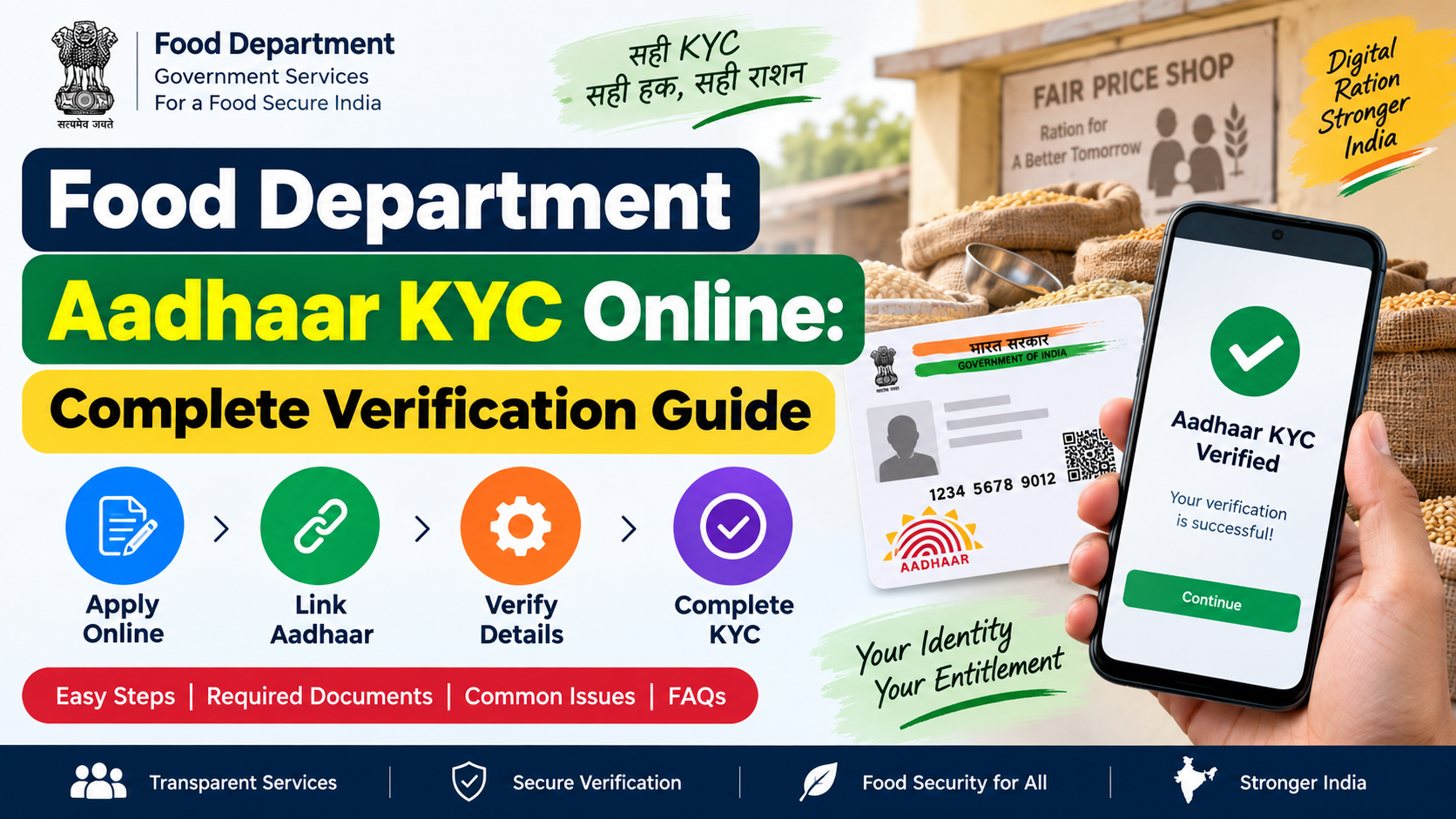
Food department Aadhaar KYC online usually refers to linking and validating the Aadhaar details of ration-card beneficiaries in the Public Distribution System (PDS). It helps state food departments confirm that each beneficiary record matches the correct Aadhaar holder and supports delivery of National Food Security Act (NFSA) entitlements.
The important distinction is that “online” does not always mean the entire e-KYC process can be completed from home. The exact facility is decided by the relevant State or Union Territory food department. In many places, you can check ration-card details, Aadhaar-seeding status, or initiate an online service through the state portal, while biometric e-KYC is completed at a Fair Price Shop (FPS) or another authorised centre.
Key Takeaways
- Food department Aadhaar KYC is administered by State and UT food departments, so the portal and steps differ by location.
- Use the official NFSA State/UT portal directory to reach the correct food department website.
- Aadhaar seeding and Aadhaar e-KYC are related but different: seeding adds the Aadhaar number; e-KYC validates the beneficiary’s identity.
- A biometric or OTP-based authentication method may be used, depending on the authorised state process.
- Do not share OTPs, Aadhaar copies, or ration-card details with unofficial agents or unverified websites.
- Authentication failure should not by itself result in denial of an eligible person’s entitlement; ask for the applicable exception-handling process.
What Is Food Department Aadhaar KYC?
Aadhaar KYC means electronic Know Your Customer verification using Aadhaar authentication. UIDAI explains that e-KYC authentication is performed through OTP and/or biometric authentication. In the food-distribution context, this process helps validate that the Aadhaar number seeded in a PDS beneficiary record belongs to the person named in the ration card.
The Department of Food and Public Distribution has described Aadhaar seeding and validation as part of PDS reforms intended to identify duplicate or ineligible records and uniquely identify eligible beneficiaries. It is also connected with the technology infrastructure that supports One Nation One Ration Card (ONORC). DFPD’s official PDS information states that ONORC enables NFSA beneficiaries to draw their entitled foodgrains from ePoS-enabled Fair Price Shops across India using their existing ration card and Aadhaar-based authentication.
Aadhaar seeding vs. e-KYC
These terms are often used interchangeably, but they are not identical.
| Term | Meaning | What it may involve |
|---|---|---|
| Aadhaar seeding | Adding a beneficiary’s Aadhaar number to the ration-card/PDS record | Aadhaar number capture and record matching |
| Aadhaar validation | Checking whether the seeded Aadhaar is correct and corresponds to the beneficiary | UIDAI-based verification |
| Aadhaar e-KYC | Electronic identity verification through an authorised process | OTP and/or biometric authentication |
| Ration-card update | Adding, removing, or correcting a household member | State-specific application and document review |
A successful e-KYC does not create a new ration card or automatically change the number of foodgrains due to a household. Eligibility, ration-card issuance, and household records remain matters for the concerned State or UT administration.
Who Manages the Verification Process?
There is no single nationwide “food department Aadhaar KYC online” portal that works identically for every household. Under the NFSA framework, identification of beneficiaries and issue of Priority Household (PHH) and Antyodaya Anna Yojana (AAY) ration cards are handled by the respective State Government or UT Administration. The central NFSA portal therefore directs citizens to their own State/UT food portals for ration-card procedures.
Start with the official NFSA State/UT ration-card portal list. Select your State or UT, then look for services such as:
- Ration card details or beneficiary search
- Aadhaar seeding status
- e-KYC status
- Member addition, deletion, or correction
- Fair Price Shop details
- Grievance registration
- District food and civil supplies contact details
Some state systems allow status checks online but require the beneficiary to visit an FPS for biometric verification. Others may provide an OTP workflow where the authorised department has enabled it. Follow only the instructions shown on your own state food department’s official website.
How to Complete Food Department Aadhaar KYC Online
Because state processes vary, use this safe and practical sequence rather than relying on a generic third-party website.
1. Open the official State or UT food portal
Visit the NFSA portal’s official directory and choose your State or UT. This avoids confusing similarly named private websites with government services.
Check that the page uses an official government domain, such as .gov.in or a clearly identified NIC-hosted service. Do not begin with a link received over an unknown WhatsApp message, SMS, or social-media post.
2. Find your ration-card or beneficiary record
The portal may ask for one or more of the following:
- Ration card number
- Registered mobile number
- Aadhaar number or masked Aadhaar details
- Name of the head of household
- District, block, village, or FPS details
- OTP, where the state system provides an OTP service
Enter information exactly as it appears in your ration-card record. A spelling difference, incorrect date of birth, or mismatch in a household member’s details can prevent an automated match.
3. Check whether the portal offers e-KYC or only status information
Look for wording such as “Aadhaar seeding,” “e-KYC,” “beneficiary verification,” “Aadhaar authentication,” or “know your status.”
If a state portal provides an online verification workflow, it will state the required authentication method. Consent is important: UIDAI says requesting entities must obtain the Aadhaar holder’s consent before collecting identity information for authentication, except where the law provides otherwise.
If the portal only shows that e-KYC is pending, note the requirement and use the authorised offline route instead of uploading Aadhaar documents to an unrelated site.
4. Complete the authorised authentication step
The state’s authorised workflow may require:
- An OTP sent to the mobile number registered with Aadhaar or the department system;
- Biometric authentication on an ePoS device at your linked or authorised FPS; or
- A visit to a specified food department office or authorised service centre.
For example, Haryana’s official food department describes a process in which a beneficiary whose Aadhaar is not seeded visits an FPS, provides the Aadhaar number, and authenticates through the POS machine. The e-KYC details and ration-card details are then sent for departmental verification. This is an example of a state process, not a universal online procedure.
5. Save the acknowledgement and check the status
If the system produces an application number, receipt, transaction ID, or acknowledgement, keep it. Revisit the official state portal after the period stated by that department to see whether the request is:
- Submitted
- Under verification
- Approved
- Rejected
- Pending correction or further action
Do not assume immediate approval after an authentication attempt. A state department may need to review the record, especially when demographic details do not match.
Documents and Details to Keep Ready
Requirements differ by state and by the action requested. For a straightforward Aadhaar-seeding or e-KYC request, keep the following available:
| Item | Why it may be needed |
|---|---|
| Ration card number or digital ration card | Locates the household’s PDS record |
| Aadhaar of the beneficiary/member | Supports identity verification |
| Mobile phone | Needed when the official process uses OTP |
| Registered mobile number, if applicable | Receives OTP or service updates |
| Correct household-member details | Helps identify and resolve demographic mismatches |
| Supporting documents requested by the state | May be required for a correction or member update |
Carry original documents only when an authorised centre asks you to do so. Never hand over Aadhaar or ration-card copies to someone who cannot establish that they are an authorised FPS operator or food department representative.
What to Do if Aadhaar KYC Is Pending, Rejected, or Fails
A pending result often means the record requires departmental review or a correction. Do not make repeated submissions with different details; that can create confusion in the record.
Common reasons for a problem
- The Aadhaar number was entered incorrectly.
- The name, date of birth, gender, or other demographic detail differs between Aadhaar and the ration-card record.
- The Aadhaar number is already associated with another PDS record.
- The registered mobile number cannot receive the OTP.
- Biometric authentication fails because of fingerprint quality, network availability, or device issues.
- The state portal has not yet updated the verification status.
A practical resolution path
- Check the exact status and remarks on the official state food portal.
- Compare the beneficiary details in Aadhaar and the ration card.
- If Aadhaar details need correction, use UIDAI’s official channels. If ration-card details need correction, use the relevant state food department service.
- Visit the FPS, local food and civil supplies office, or authorised centre named by your state portal.
- Take the acknowledgement, ration-card number, and required documents.
- Register a grievance through the state system if the issue remains unresolved.
UIDAI recognises that authentication can fail because of technical or biometric limitations such as poor fingerprint quality or network availability. Its guidance says service providers should have alternate identification/authentication processes and exception handling so Aadhaar holders are not denied entitlements solely because of these limitations. The Aadhaar Act also provides that a person without an Aadhaar number must be offered alternate and viable identification for delivery of a subsidy, benefit, or service.
Aadhaar KYC, Ration Entitlements, and ONORC
Food department Aadhaar KYC should be understood as an identity-verification process, not as a separate food scheme. It may support accurate beneficiary records and Aadhaar-authenticated transactions, but your entitlement depends on your valid ration-card category and state-maintained PDS record.
For eligible NFSA beneficiaries, ONORC enables portability: a beneficiary can draw full or partial entitlement from an ePoS-enabled FPS anywhere in India, subject to the operating system and authentication arrangements. This is particularly relevant for migrant workers and families living away from the place where their ration card was issued.
Before travelling or changing where you collect ration, check your state portal for current ration-card details and the official ePoS/transaction information where available. Do not cancel or surrender a ration card merely to use portability unless the competent authority instructs you to do so.
Privacy and Fraud Prevention
Aadhaar and ration-card data are sensitive. Follow these safeguards during food department Aadhaar KYC online:
- Use only government or NIC-hosted portals reached from the official NFSA directory.
- Do not disclose an OTP to an FPS operator, caller, agent, relative, or website. Enter it yourself only in the authorised service flow.
- Do not pay an unverified “agent” to complete e-KYC.
- Avoid posting full Aadhaar numbers, ration-card images, receipts, or OTP screenshots on social media.
- Check the portal address carefully before entering personal information.
- Ask the FPS operator for a receipt or acknowledgement when one is available.
- If you suspect Aadhaar misuse, use UIDAI’s official support and biometric-security services rather than relying on a third party.
Remember that Aadhaar authentication confirms identity against UIDAI’s system; it does not by itself establish citizenship, domicile, or eligibility for a particular ration-card category.
Frequently Asked Questions
Can I complete food department Aadhaar KYC entirely from my mobile phone?
Only if your State or UT food department officially provides a complete online or OTP-based process. Many states allow you to check status online but require biometric authentication at an authorised FPS or centre. Use the official state portal to confirm the procedure in your location.
Is Aadhaar seeding the same as Aadhaar e-KYC?
No. Seeding records an Aadhaar number against the beneficiary’s PDS record. e-KYC is the authentication-based validation that helps confirm the Aadhaar number belongs to the relevant person. A state may require both steps.
What if my fingerprint does not authenticate at the Fair Price Shop?
Tell the FPS operator that authentication has failed and ask about the authorised exception-handling procedure. UIDAI states that technical or biometric limitations should not cause denial of entitlements and that alternate processes should be available. If necessary, contact the local food department or use the state grievance system.
Can I link the Aadhaar of every family member to one ration card?
Household-member handling is determined by the relevant state food department. Use the state portal or local office to verify which members are listed, whether their Aadhaar details are seeded, and whether a member-addition or correction request is needed.
How do I find the official portal for my state?
Use the NFSA State/UT portal directory. It links to the respective ration-card reporting and food-distribution portals managed by State and UT authorities.
Conclusion
Food department Aadhaar KYC online is a state-managed PDS verification process, not one identical national form. Begin with the official NFSA directory, check your ration-card and Aadhaar-seeding status on the correct State or UT portal, and follow only the authentication route that the department authorises. If biometric or network issues occur, seek the applicable exception-handling process and keep your acknowledgement details.













